

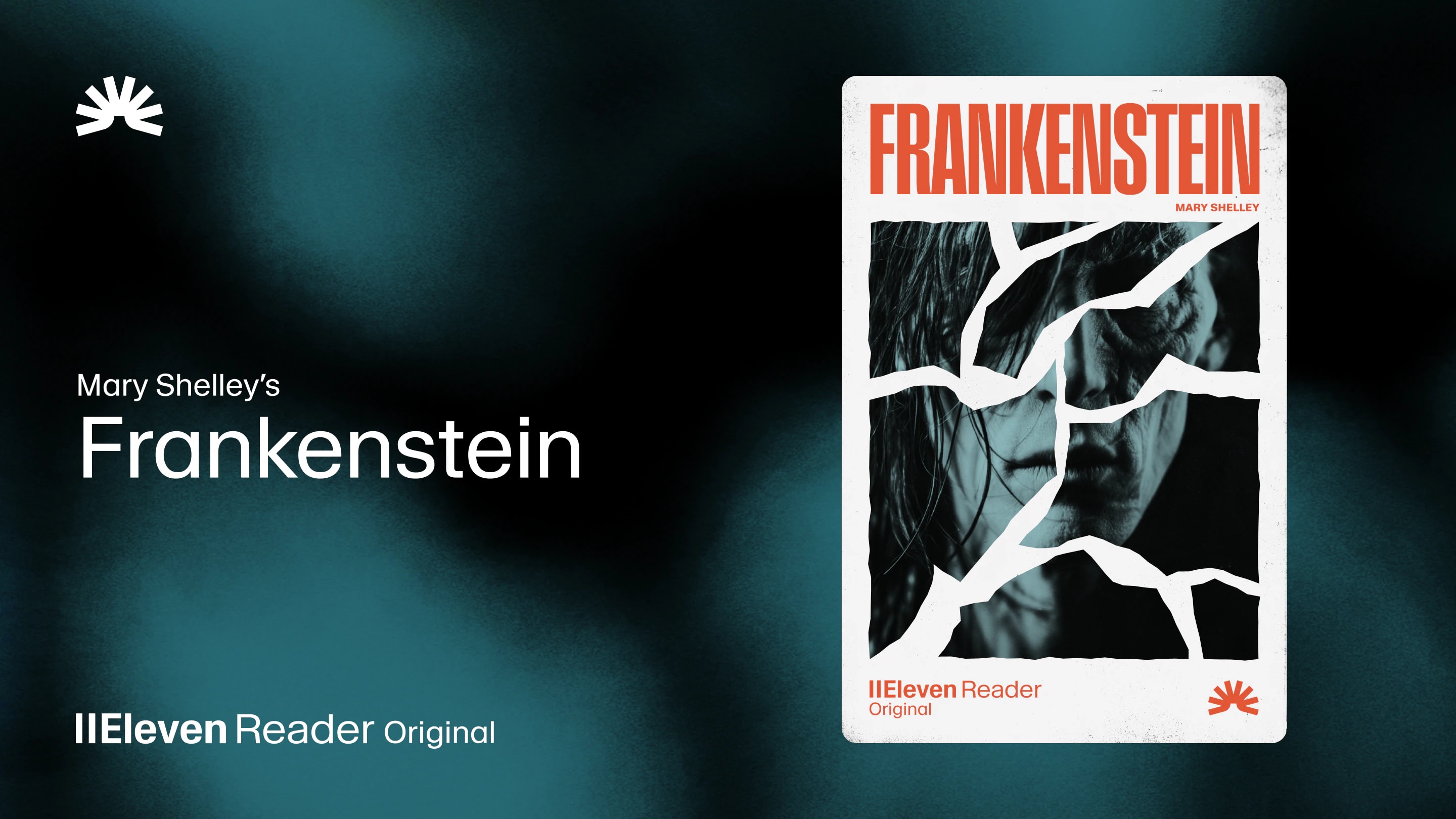
ElevenReader Brings Frankenstein to Life with a Full Cast and Original Score
Frankenstein, the first cinematic audiobook created with Eleven v4, is coming just in time for Halloween
Your first month. Just $1. Start listening for less this month.
See how text-to-speech for Kindle is making reading more flexible, accessible, and enjoyable with natural AI voices for books, articles, and more.
By ElevenReader Team
Updated

If you love to read, you probably have more books on your reading list than you'll ever realistically be able to finish… Until now.
Text-to-speech technology has come leaps and bounds in recent years, and it's helping readers turn commutes, chores, workouts, and screen breaks into precious reading time they never thought they had.
This is a topic that really excites us here at ElevenReader. And in this article, we're taking a closer look at why using text-to-speech for Kindle books is popular right now, and how it makes reading more accessible, inclusive, and enjoyable for all different kinds of readers.
Text-to-speech (TTS) is a technology that turns written text into spoken audio.
Early versions of TTS tools were fairly robotic, and they were primarily developed as accessibility tools to help people with visual impairments or reading disabilities like dyslexia access digital content.
However, today, things have changed dramatically. Modern AI-powered voices now understand punctuation, pacing, emphasis, and even emotion, making them sound much more natural than the built-in system voices many of us are used to.
This has not only made text-to-speech more useful and enjoyable for people with dyslexia, ADHD, low vision, and other reading challenges, but it's also made it much easier to listen and enjoy long-form reading while commuting, cooking, exercising, or relaxing.
Before AI voice readers arrived, built-in screen readers were the only option for listening to most digital text.
And while built-in screen readers are free and widely available on most devices (with many people still relying on them, even today), their biggest limitation is that they aren't really designed for long-form listening. Their voices often sound flat or mechanical, so they're fine for short passages but much harder to use for longer articles or chapters of a book.
Modern AI voice readers like ElevenReader take a completely different approach. They're capable of natural pacing and expressive intonation, making it possible to listen to books, articles, and documents for extended periods of time.
Just as importantly, AI voice readers aren't limited to Kindle books, Kindle readers, or any one device. You can use the same familiar voices across online articles, PDFs, Google Docs, newsletters, ebooks, and other supported web content, so your listening experience stays consistent no matter what you're reading.
| Timeframe | Era | What changed | What it meant for readers |
|---|---|---|---|
| 1980s–2000s | Early text-to-speech | Basic computer-generated voices focused on converting written text into speech. | Made digital content more accessible, but voices sounded robotic and were best suited to short passages. |
| Late 2000s–2010s | Built-in screen readers | Smartphones, tablets, and e-readers introduced free screen readers that could read almost any on-screen text aloud. | Accessibility became widely available, but long-form listening could be tiring because the voices weren't designed for extended use. |
| Early 2020s | Modern AI voice readers | AI models began producing voices with natural pacing, expressive intonation, and more human-like delivery. | Listening became comfortable enough for books, articles, PDFs, newsletters, and other long-form content, making text-to-speech part of everyday reading for many people. |
| Today and beyond | Connected reading experiences | AI voice readers work across ebooks, web articles, documents, and other supported content instead of a single platform or device. | Readers can move effortlessly between reading and listening, using the same familiar voice across different devices and types of content. |
When it comes to long-form listening with text-to-speech for Kindle, we really can't overstate the importance of voice quality enough. It's what determines whether listening feels effortless or exhausting, engaging or distracting, and how likely you are to make listening to books part of your everyday reading routine.
Here's a closer look at why natural-sounding voices make such a big difference.
When a voice sounds natural, your attention stays on the story rather than the technology reading it. Better pacing, emphasis, and rhythm make it easier to follow characters, conversations, and complex ideas without constantly losing focus.
Many people can tolerate a robotic system voice for a few minutes, but an entire book is a completely different story (no pun intended). Natural AI voices reduce listening fatigue, making it easier to enjoy longer chapters or spend more time reading throughout the day.
Many readers don't choose between reading and listening. They do both. A natural voice makes it much easier to read a chapter on your Kindle, then continue listening while you're away from the screen before picking the book back up later on.
For readers with dyslexia, ADHD, low vision, migraines, or screen fatigue, text-to-speech can make long-form reading more accessible. Natural voices make that experience more enjoyable too, offering an alternative that feels designed for everyone rather than only as an accessibility feature.
Modern text-to-speech reading goes beyond Kindle books. Newsletters, research papers, web articles, Google Docs, PDFs, and web fiction all compete for our attention, and natural AI voices make it easy to listen to this type of content that, let's be honest, you'd otherwise save for "later" but rarely find time to read.
Remember that reading list that felt impossible to finish? With natural AI voices, you might be surprised by how quickly you start making your way through it.
If you're curious about how far AI voices for Kindle have come in recent years, you can try ElevenReader for free with up to 10 hours of text-to-audio every month and access to over 1,000 natural AI voices. You'll also find thousands of free audiobooks, plus handy listening features that make it easy to start chipping away at your reading list wherever you are.
Most smartphones and tablets have built-in accessibility screen readers that can read books aloud using a standard system voice. However, if you want a more natural, expressive voice for long reading sessions, a dedicated text-to-speech app (like ElevenReader) is usually the better choice.
Yes. Modern text-to-speech apps like ElevenReader can read a wide variety of web content out loud. You can use the app's browser to open articles, newsletters, and documents, then press play to hear the text on the screen.
Not exactly. Audiobooks are professionally narrated performances, while text-to-speech converts written text into spoken audio. Modern AI voices have become much more expressive and human-sounding compared to traditional screen readers, making them an excellent option for books, articles, and documents that don't have a dedicated audiobook.
No. Although text-to-speech was originally developed to make written content more accessible, many people now use it simply because it's convenient. It can help you fit more reading into your day by letting you listen while commuting, exercising, cooking, or taking a break from screens.
Modern AI voice models are trained to understand punctuation, sentence structure, emphasis, and natural speech patterns. Instead of reading every sentence with the same rhythm, they vary their pacing and intonation to create a listening experience that feels much closer to human narration.
In addition to reading Kindle books online, you can also listen to PDFs, Google Docs, newsletters, research papers, web articles, and other online content with ElevenReader.
Frankenstein, the first cinematic audiobook created with Eleven v4, is coming just in time for Halloween

How to read Google Docs aloud when the Audio option is missing, with built-in Google tools and ElevenReader.