
Browser Extension
ElevenReader Chrome Extension
Bring the web to life with natural voices
Instantly save stories, blogs, and news in one click — then enjoy lifelike narration on your browser or mobile app.
Listen to the web — with natural‑sounding voices
Turn web pages into audio. ElevenReader’s text‑to‑speech for the web delivers clear, expressive narration so you can listen to articles and read aloud online without robotic voices.
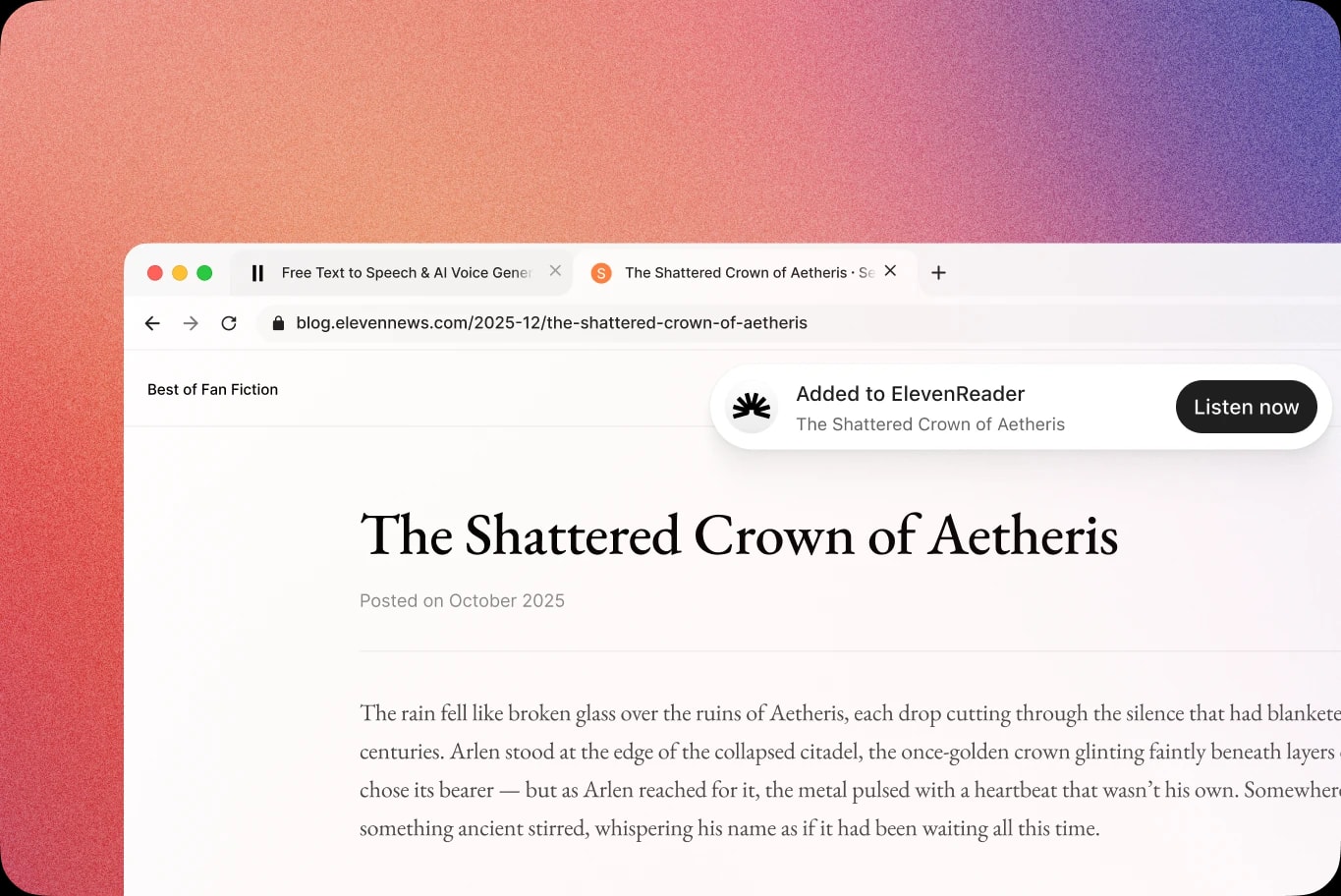
One click to save and listen with ElevenReader
See something worth hearing? Click to add and start listening immediately, or queue it for later. Add posts from blogs, Substack, Medium, and more while you browse — the extension captures the main content and strips distractions.
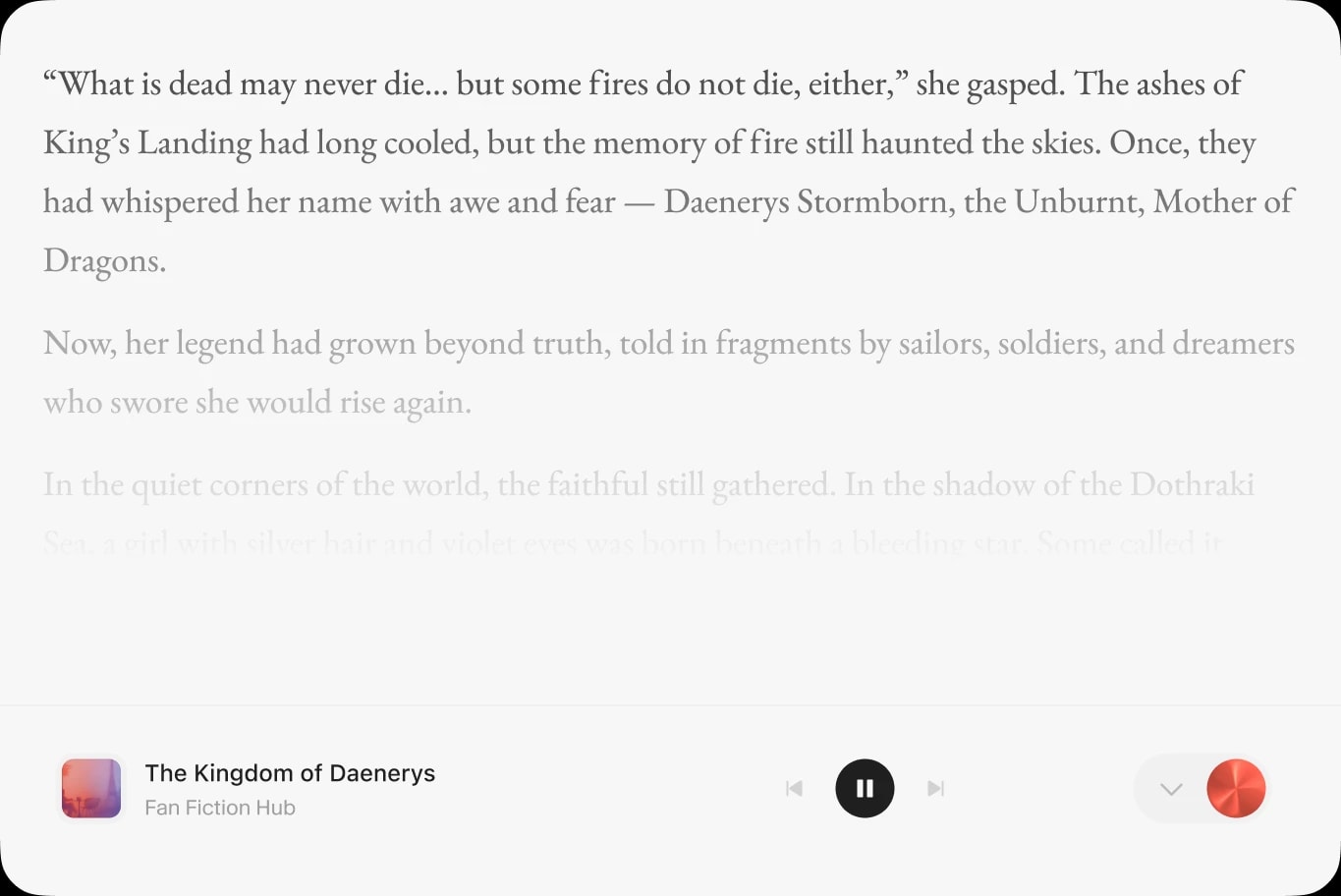
Perfect for web books & fan fiction
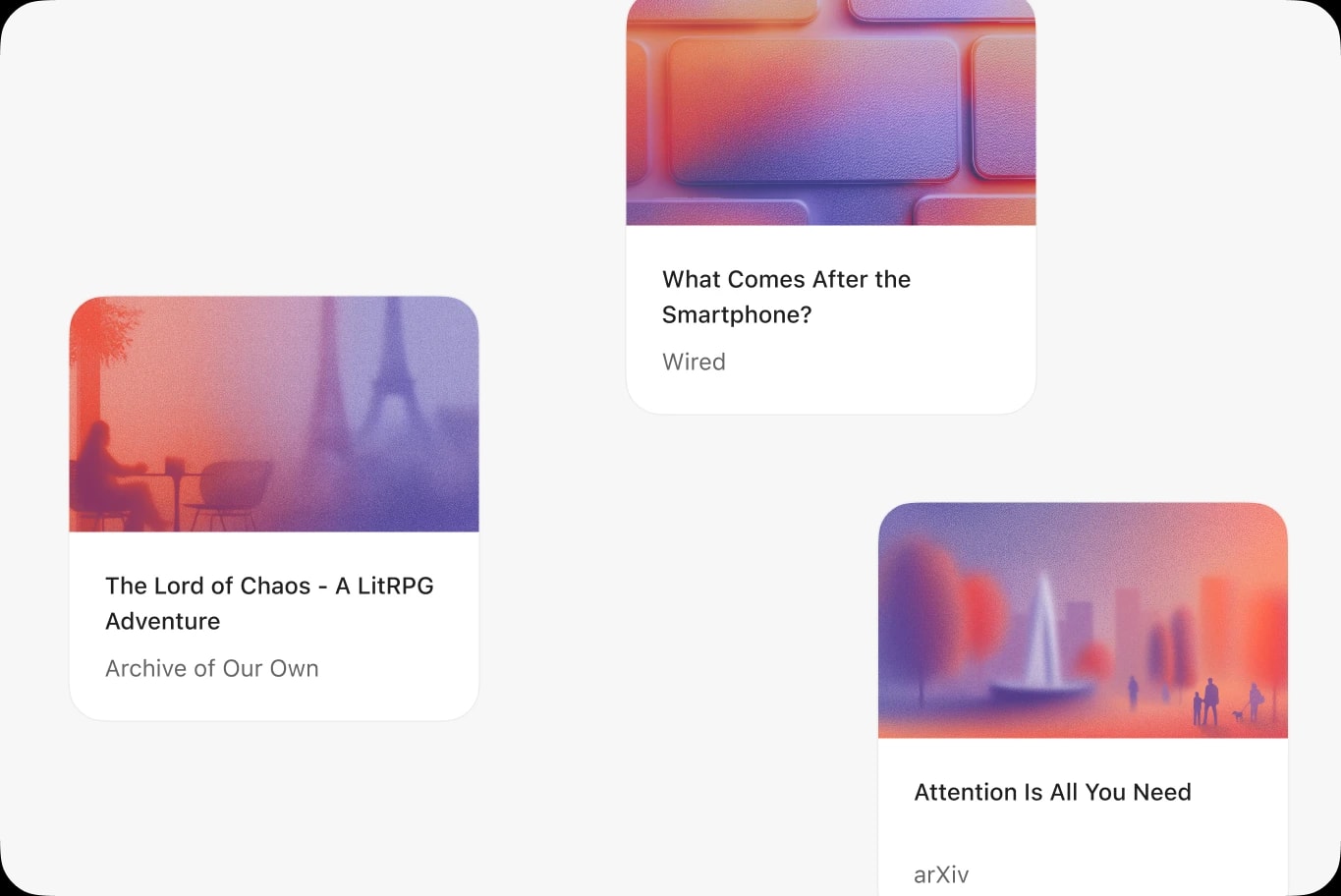
Binge web novels and fan fiction with natural narration. From AO3, Royal Road, and FanFiction.net to long‑form blogs and serials, ElevenReader can detect next chapters and help you import entire series.
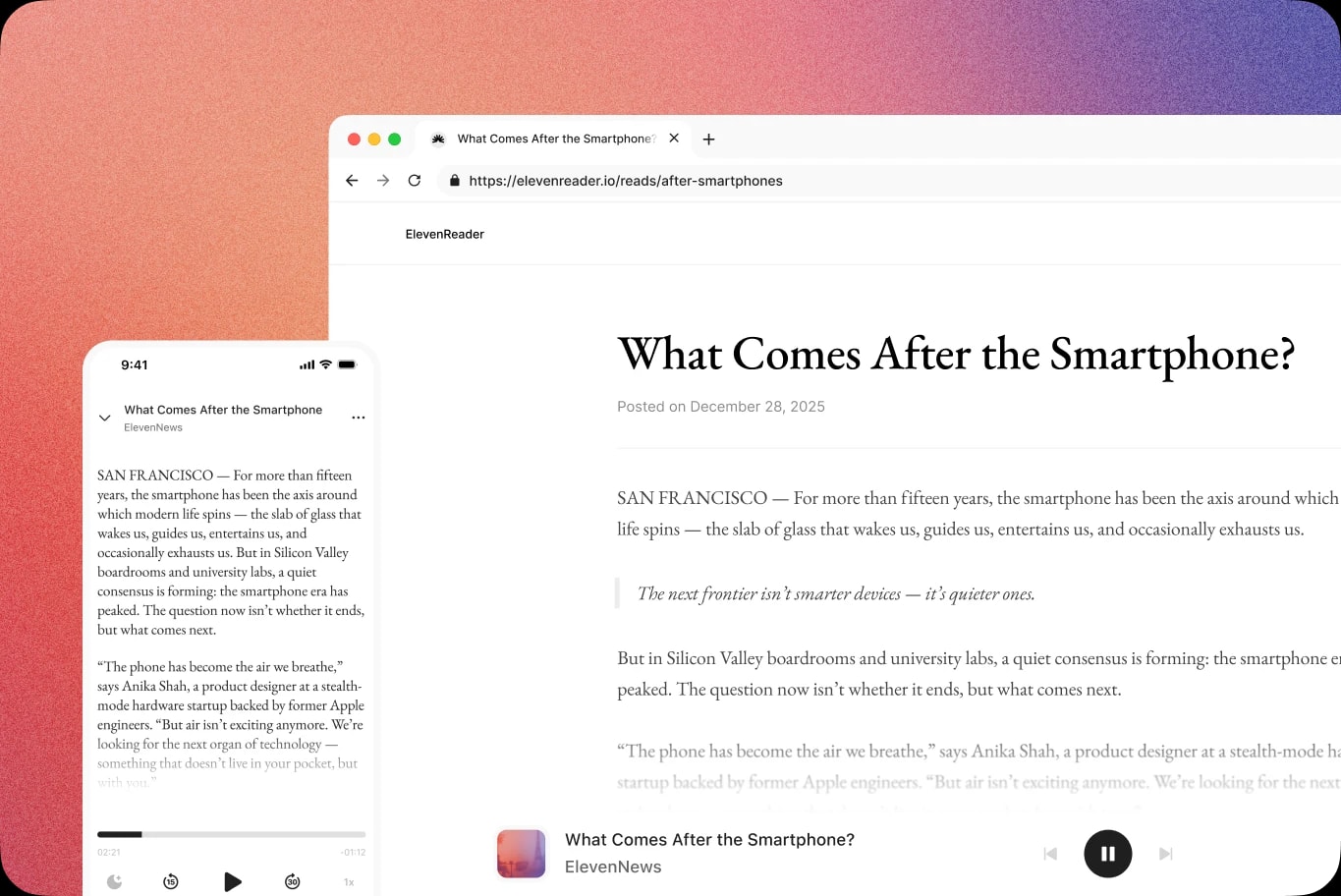
Instantly syncs from web to mobile
Get started in 3 steps: Add the extension — Install ElevenReader for Chrome. Click to save — On any article, story, or chapter page, click the icon to add to your library. Start listening — Press Listen now for instant playback.
iOS & Android App
Download the app
FAQs
Is the extension free to use?
Yes, you can add webpages to ElevenReader and begin listening for free. Our free plan lets you listen to 10 hours of uploaded content every month. Some premium features may require an Ultra subscription beyond the initial free tier.
Does it work with paywalled sites?
If you’re logged in to your own subscription (e.g., news sites), you can save and listen for personal use. ElevenReader does not bypass paywalls or DRM, as these are strictly respected.
Does it work with ePubs and web novels?
Yes. The ElevenReader Chrome Extension makes it easy to import both ePub files and web novel content. If you use other browser extensions that generate ePub files, ElevenReader can automatically detect and import newly created ePubs. It’s a great fit for web novels, fan fiction, and other personal reading content from sites like AO3, Royal Road, and FanFiction.net, making it easy to turn your favorite stories into high-quality audio.