

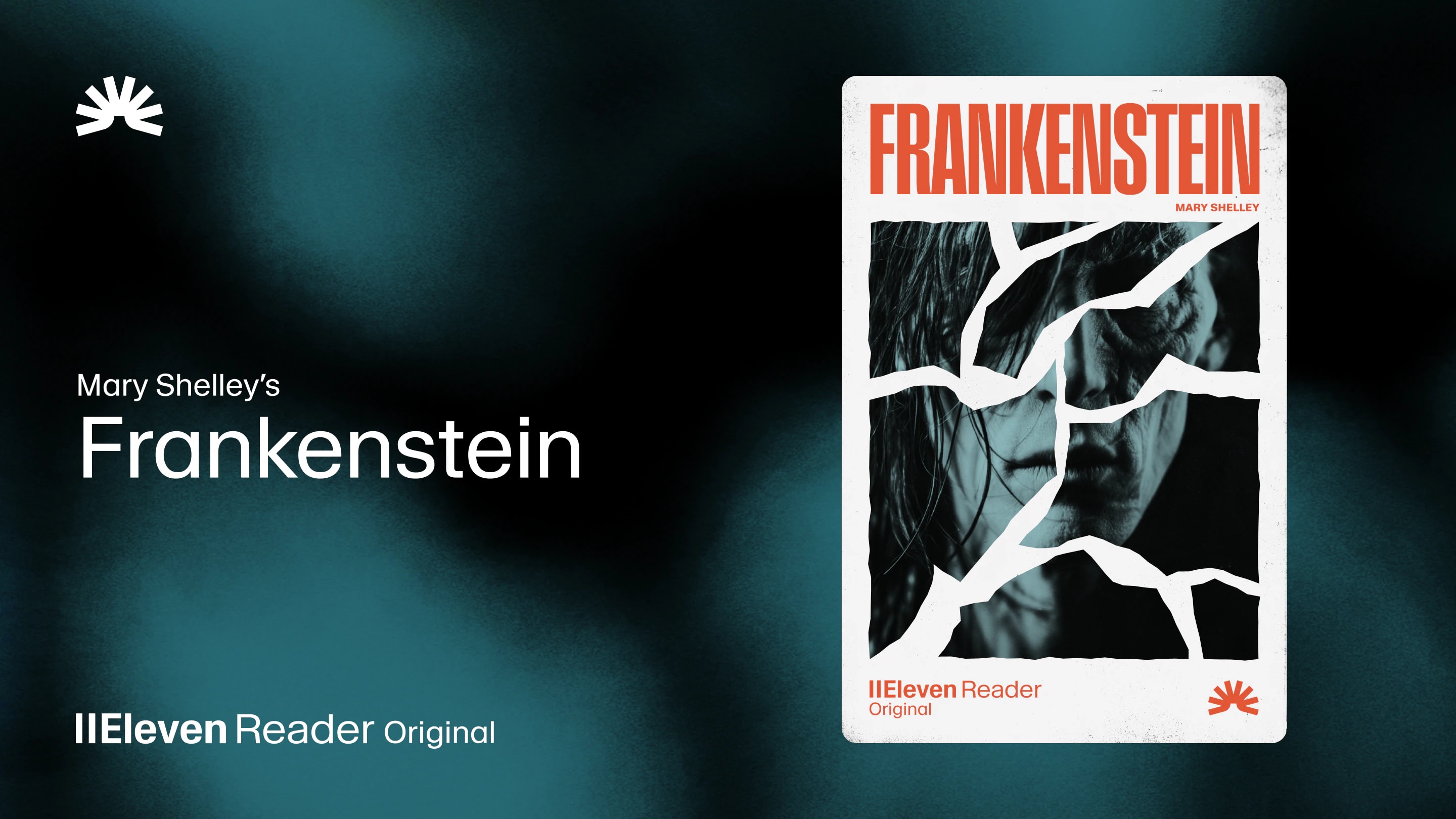
ElevenReader Brings Frankenstein to Life with a Full Cast and Original Score
Frankenstein, the first cinematic audiobook created with Eleven v4, is coming just in time for Halloween
Your first month. Just $1. Start listening for less this month.
Tired of robotic TTS voices? We’re ranking the top 5 free text-to-speech apps based on voice quality, free plan limits, and platform support.
By ElevenReader Team
Updated

For years, there was always a trade-off with free text-to-speech (TTS) software. The technology could read words, but it couldn’t capture the nuance or rhythm that makes listening actually enjoyable. If you wanted something decent, you had to pay. And even then, the results were hit or miss.
But in 2026, that’s no longer the case.
A new generation of free text-to-speech tools has emerged, powered by advanced AI that can produce stunningly lifelike voices. These tools can not only pronounce words correctly, but they can also convey emotion and create an immersive listening experience that rivals human narration.
In short, the era of robotic TTS is over… if you know where to look.
So in this guide, we’re sharing the top five free TTS apps that genuinely sound human and comparing them based on voice quality, free plan limits, and ease of use, so you can find the right one for your workflow without wasting hours testing them yourself.
Before we jump into the best free options, it helps to understand why so many free text-to-speech tools have historically sounded so unnatural.
The primary reason comes down to the underlying technology. For decades, most TTS systems relied on a method called concatenative synthesis. This process involves taking a massive database of pre-recorded speech from a single voice actor and stitching together tiny sound fragments to form new words and sentences.
While functional, this approach is inherently limited. The system is just assembling puzzle pieces, not truly understanding the meaning or emotion of the text, which results in the flat, disjointed, and robotic sound we’ve all come to associate with older TTS tools.
In contrast, modern AI voice generators use a completely different approach called “neural text-to-speech”.
This method uses deep learning models (similar to those that power large language models) to generate speech from scratch. So instead of stitching together pre-recorded sounds, the AI learns the patterns, rhythms, and intonations of human speech and then creates entirely new audio that captures those qualities. This allows for a far more natural, expressive, and human-like result. While this technology was once incredibly expensive and computationally intensive, recent breakthroughs have made it accessible enough to be offered in free and affordable TTS tools.
To find the very best free text-to-speech tools that don’t sound like robots, we scoured the internet and evaluated the options available based on:
If a tool didn’t deliver on these basic factors, it didn’t make the list.
With those standards in mind, here are the top five free text-to-speech tools that genuinely deliver a natural, human-like listening experience.
| Category | Details |
|---|---|
| Key Features | 1,000+ AI voices, 30+ languages, offline downloads, custom voice creation, AI summaries |
| Strengths | Unmatched voice realism, generous free plan (10 hours/month), syncs across all platforms |
| Weaknesses | Advanced settings may feel overwhelming for brand-new users. |
| Pricing | Free (10 hours/month), Ultra ($8.25/month billed annually for unlimited listening) |
| Best For | Anyone who prioritizes a premium, human-like listening experience without a premium price tag. |
If you’ve ever wished your TTS app sounded less like a robot and more like a skilled narrator, ElevenReader is exactly what you’ve been looking for.
Built by the experts at ElevenLabs, ElevenReader feels like what text-to-speech was always supposed to be. The voices do so much more than read words; they actually interpret them. You’ll notice the difference straight away, as the voices deliver natural pauses in all the right places and tone shifts that match the context.
What really sets ElevenReader apart, though, is the free plan. Ten hours of listening per month is more than enough for most people to get through articles, PDFs, at least one ebook, or study materials without constantly worrying about hitting a paywall. And unlike many competitors, free users still get access to the full library of 1,000+ premium voices.
It works everywhere, too (including web, iOS, Android, and Chrome), and your progress syncs across devices. That means you can start listening on your laptop, and then pick up exactly where you left off later on your phone.
The Final Verdict on Eleven Reader: If voice quality is your top priority and you want a generous free plan, ElevenReader is the obvious choice.
| Category | Details |
|---|---|
| Key Features | OCR for scanned documents, dedicated desktop apps, wide file format support |
| Strengths | Excellent for reading text from images and PDFs, works offline with desktop apps. |
| Weaknesses | Free plan is very restrictive (20 mins/day with premium voices), mixed user reviews |
| Pricing | Free (20 mins/day for premium voices), Plus ($20.90/month) |
| Best For | Students and professionals who primarily work with scanned documents and need a desktop-based solution. |
NaturalReader has been a player in the TTS space for a long time and has built a reputation for its powerful OCR (Optical Character Recognition) capabilities, which allow you to turn scanned PDFs, photos of text, and other non-selectable documents into audio. If you’re dealing with textbooks, printed handouts, or image-based files, that’s a big plus.
It also offers dedicated desktop applications for both Windows and Mac, which is a major advantage for users who prefer to work offline.
However, it’s worth mentioning that the free plan is one of the most restrictive on the list. You do get access to premium voices, but only for 20 minutes per day. Once you hit that limit, you’re pushed back to the more basic, lower-quality voices. It’s usable, but not generous.
User feedback is mixed, too. Some people find it genuinely helpful for productivity and studying. Others point to buggy performance and frustrating customer support experiences. With a low Trustpilot rating, it’s clear that while NaturalReader has strong features on paper, the real-world experience doesn’t always match expectations.
The Final Verdict on NaturalReader: A strong choice for OCR and offline use, but its restrictive free plan makes it better suited for specific needs rather than everyday listening.
| Category | Details |
|---|---|
| Key Features | Built directly into the Microsoft Edge browser, excellent voice quality, highlights text as it reads. |
| Strengths | Completely free and unlimited, surprisingly natural voices, no installation required |
| Weaknesses | Only works within the Microsoft Edge browser |
| Pricing | Completely free |
| Best For | Microsoft Edge users who want a high-quality unlimited TTS solution. |
For years, built-in browser TTS features were an afterthought, saddled with the most robotic voices imaginable.
However, Microsoft Edge’s “Read Aloud” feature has completely changed that. It uses Microsoft’s Azure AI to deliver some of the most natural-sounding voices available in any free tool. It’s built directly into the browser, so there’s nothing to install, and it’s completely free and unlimited.
Users have been overwhelmingly positive about the feature, too. For example, one user on Reddit wrote, “The Read Aloud feature in Edge has seriously the most natural voices I've found. The interface is also the best I've found (as you can pause and skip to wherever you want easily)."
The main and only significant drawback is that it is exclusive to the Microsoft Edge browser. So if you’re a Chrome, Firefox, or Safari user, you’ll have to completely change your workflow or look elsewhere.
The Final Verdict on Microsoft Edge Read Aloud: An outstanding built-in option that rivals premium tools, limited only by its browser exclusivity.
| Category | Details |
|---|---|
| Key Features | Simple Chrome extension, reads any webpage, basic voice and speed controls |
| Strengths | Easy to use, completely free, reliable for basic articles |
| Weaknesses | Voice quality is noticeably more robotic than Edge or ElevenReader |
| Pricing | Completely free |
| Best For | Chrome users who want a simple tool for listening to web content. |
If you’re a Chrome user, chances are you’ve come across the “Read Aloud: A Text-to-Speech Voice Reader” extension. It’s straightforward and does exactly what it promises. All you have to do is install it, click the small speaker icon in your toolbar, and it starts reading whatever page you’re on.
That said, the voice quality is where you’ll notice the difference. Compared to the smoother, neural voices in Microsoft Edge or ElevenReader, this one can sound a bit mechanical. It gets the job done, but it doesn’t feel immersive. As one Reddit user put it, “It’s a bit robotic, but you can play with the pitch, speed, and volume to get it bearable.” That sums it up pretty well; you can tweak it, but you’re still working within limitations.
If you just need something basic and don’t want to switch browsers, Google Read Aloud is perfectly usable. But if you’re aiming for a more natural, podcast-like listening experience inside Chrome, a more advanced extension like ElevenReader will sound noticeably better.
The Final Verdict on Google Read Aloud: Reliable, free, and easy, just not the most human-sounding voice on the list.
| Category | Details |
|---|---|
| Key Features | No account required, unlimited use for some voices, commercial use rights included |
| Strengths | Extremely simple to use, no sign-up needed, generous free offering |
| Weaknesses | Inconsistent voice quality, character limits per generation can interrupt longer texts |
| Pricing | Free (20,000 characters/week), Pro plans available for higher limits |
| Best For | Users who want to quickly turn short pieces of text into audio without creating an account. |
We couldn’t create this list of free text-to-speech tools without mentioning TTSMaker.
As a web-based tool, TTSMaker requires no account, no login, and no credit card to use. You simply paste your text, complete a quick captcha, and generate the audio. That’s it. For quick tasks, rough drafts, or one-off conversions, the simplicity is hard to beat.
The free plan is generous, too. You get 20,000 characters per week, and some voices are even marked for unlimited use. On top of that, TTSMaker includes commercial usage rights, which is surprisingly rare among free tools. If you’re experimenting with scripts, testing content ideas, or working on a tight budget, that flexibility can be a real advantage.
The only trade-off is voice quality. Some options sound decent, but they don’t reach the same level of realism or emotional nuance as higher-end neural voice platforms. For long-form listening, you’ll probably start to notice the difference.
The Final Verdict on TTSMaker: Not the most lifelike voice on the list, but one of the most straightforward options available.
To help you quickly compare your options, here’s a clear side-by-side breakdown of the top free text-to-speech tools that made this list and how they compare to each other.
The Best Free Text-to-Speech Tools Compared
| Tool | Best For | Voice Quality | Free Plan | Paid Pricing | Platform |
|---|---|---|---|---|---|
| ElevenReader | Overall Quality | Excellent | 10 hours/month | $8.25/month | Web, iOS, Android, Chrome |
| NaturalReader | Scanned Docs | Good | 20 mins/day | $9.99/month | Web, iOS, Android, Desktop |
| Edge Read Aloud | Edge Users | Excellent | Unlimited | Free | Microsoft Edge |
| Google Read Aloud | Chrome Users | Fair | Unlimited | Free | Chrome Extension |
| TTSMaker | Quick & Anonymous TTS | Decent | 20k chars/week | Free, Pro plans vary | Web |
Based on our experience exploring and comparing different tools, the search for a free text-to-speech tool ultimately comes down to one thing: voice quality.
While features like OCR and platform availability are important, the core experience is defined by how natural and engaging the audio is. This is why we listed our own ElevenReader at the top of the list. It offers the most advanced and realistic AI voices in a free plan that’s generous enough for most users.
However, the best tool for you specifically will always depend on your own workflow and needs:
The bigger takeaway? You no longer have to settle for robotic, lifeless narration just because you’re using a free tool. AI voice technology has evolved, and once you experience a truly natural-sounding TTS engine, it’s hard to go back to anything less.
Based on our experience, ElevenReader offers the most realistic and natural-sounding voices available in a free TTS plan.
Microsoft Edge's built-in "Read Aloud" feature is completely free and has no listening limits. However, it only works within the Edge browser.
This depends entirely on the tool's terms of service. Some tools, like TTSMaker, explicitly allow commercial use of the audio files you create, while others strictly prohibit it. Always check the licensing terms before using a TTS tool for commercial projects.
Frankenstein, the first cinematic audiobook created with Eleven v4, is coming just in time for Halloween

How to read Google Docs aloud when the Audio option is missing, with built-in Google tools and ElevenReader.