

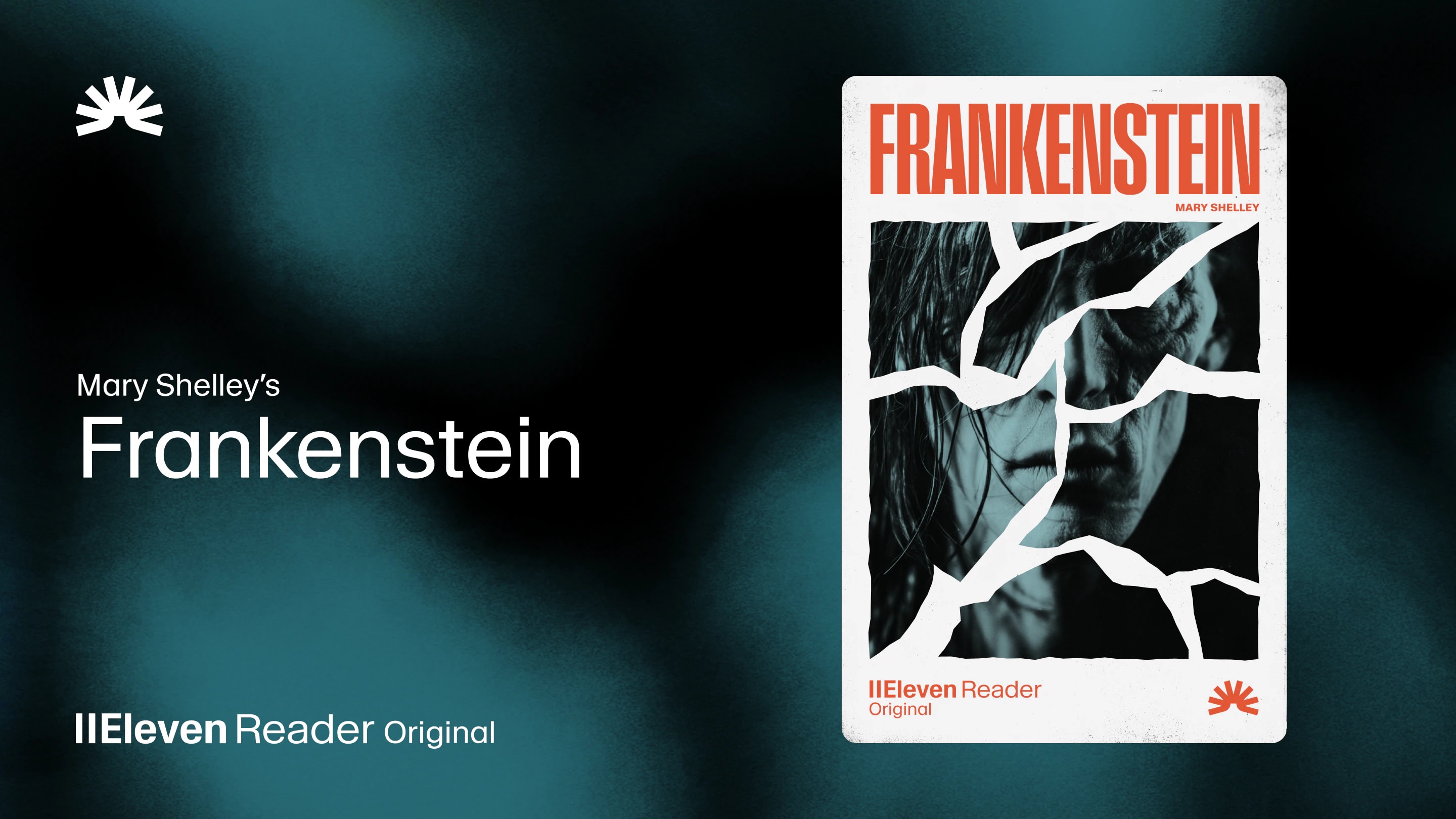
ElevenReader Brings Frankenstein to Life with a Full Cast and Original Score
Frankenstein, the first cinematic audiobook created with Eleven v4, is coming just in time for Halloween
Your first month. Just $1. Start listening for less this month.
Looking for a text-to-speech iPhone app? Let’s compare the 4 best options for reading articles, PDFs, and books with natural AI voices.
By ElevenReader Team
Updated

If you’ve ever stared at a long list of unread articles and thought, I wish I could just listen to these, you’re not alone… but you do have options.
Thanks to advancements in AI technology, modern TTS apps are now capable of converting things like articles, PDFs, newsletters, and books into natural-sounding audio, letting you catch up on reading without having to stare at your screen for hours.
However, not all text-to-speech apps are created equal. The App Store is packed with tools that promise realistic voices and smooth playback, yet (in our experience) the listening experience can vary dramatically from one app to another.
So to help you find the best option that fits the way you consume content best, we’ve taken a look at the most popular text-to-speech iPhone apps. And after comparing voice quality, ease of use, file support, and free plan limits, we narrowed the list down to four apps that stand out from the rest.
But first…
While your iPhone has built-in accessibility features like Speak Screen, these features are not really designed for a premium, long-form listening experience. The voices are functional, but they lack the natural intonation needed for engaging with complex content.
A dedicated app offers a significant upgrade in several key areas, moving beyond basic utility to provide a genuinely enjoyable experience.
Here are just a few key reasons why many people choose a dedicated text-to-speech app over relying on Apple’s built-in tools.
The biggest difference comes down to how the voices sound. The default system voices on your iPhone can read text aloud, but they often feel flat and robotic after a while.
Modern text-to-speech apps use neural AI voices that sound a lot more natural. They pause in the right places, emphasize words properly, and carry a rhythm that feels closer to human speech. The result is something you can comfortably listen to for long stretches instead of a voice you want to turn off after a few minutes.
Dedicated apps also make it much easier to organize what you want to listen to. So instead of opening a new article every time you want something read aloud, you can save articles, PDFs, and ebooks into one place. Over time, this becomes your personal listening queue. You can add things throughout the day and return to them later, turning scattered reading into a more consistent habit.
Third-party apps also give you more control over how you listen. Many highlight the text as it’s being read, which helps if you want to follow along. You can fine-tune playback speed, switch between different voices, and sometimes even experiment with voice cloning. These options might seem small, but they make a big difference in shaping a listening experience that actually feels comfortable.
Many of the best apps also work across multiple devices. Your saved articles and listening progress can sync between your iPhone and your computer, so you don’t have to start over every time you switch devices. You might begin listening to an article on your laptop at home, then continue from the same spot on your phone while commuting or walking.
With these priorities in mind, we set out to find the very best text-to-speech apps available for iPhone.
Here are the four apps that stood out.
ElevenReader stands out immediately for one simple reason: the voices sound like real people.
The app is powered by ElevenLabs’ AI voice technology, and the difference is immediately noticeable the moment you start listening. Instead of the flat, robotic tone common in many text-to-speech tools, the voices have rhythm, pacing, and subtle inflection. That makes long articles, essays, and books much easier to listen to for extended periods of time.
The technology behind the app comes from the same platform used in professional voice AI tools, but it’s packaged in a simple, consumer-friendly mobile experience. In practice, that means the app feels less like a utility and more like listening to an audiobook narration.
The app itself is thoughtfully designed, with a clean and minimal interface that makes building a listening library straightforward. You can add content through the iPhone share sheet, upload files like PDFs or EPUBs, or paste a URL from a web article. Once the text is loaded, synchronized highlighting keeps your place as the audio plays, which is particularly helpful if you want to read along while you listen.
The final verdict on ElevenReader: If voice quality is your top priority, ElevenReader is without a doubt the best tool for the job.
Speechify is one of the most widely used text-to-speech apps on the iPhone, and its popularity largely comes down to the sheer number of features it offers.
One feature that stands out is its OCR capability. You can take a photo of a physical page (like a textbook, printed article, or notes), and Speechify will convert it into readable text and play it back as audio. For students, researchers, or anyone working with a mix of digital and physical material, this can be incredibly convenient.
The main drawback is pricing. While there is a free version, it comes with a limited selection of basic voices. The more natural-sounding AI voices (the ones that make longer listening sessions comfortable) are locked behind the premium subscription. At around $29 per month, it’s one of the more expensive options on the list, but well worth it if you need OCR technology.
The final verdict on Speechify: Speechify is a strong choice if you work with PDFs, cloud documents, or even physical pages. Just note that the most natural-sounding voices are only available with a paid subscription.
NaturalReader also shines when it comes to handling documents, like PDFs and Word files. The app does a good job preserving the original formatting of your files, which is something many text-to-speech apps struggle with
Even though the interface isn’t the flashiest on this list, the voices themselves are well regarded by users, often drawing comparisons to some of the best AI voices on the market.
The biggest downside, though, is the free plan. The daily listening limit for premium voices is extremely small, which makes the free version feel more like a short demo than a tool you can rely on regularly. To use the app comfortably for longer sessions, a paid subscription is almost unavoidable.
The final verdict on NaturalReader: A solid choice if you primarily want to listen to documents like PDFs and Word files.
Voice Dream Reader has built a loyal following over the years, particularly among people with visual impairments, dyslexia, and other reading challenges. That reputation isn’t accidental. The app gives users an exceptional amount of control over how text is displayed and read aloud, making it easier to personalize the experience to individual needs.
The interface isn’t the most modern on this list, and newer appas often feel more polished visually. But when it comes to customization and accessibility features, Voice Dream Reader remains one of the most capable tools available.
The final verdict on Voice Dream Reader: If you need precise control over how text is displayed and narrated, it remains one of the most powerful text-to-speech apps on the iPhone.
Each of the text-to-speech iPhone apps on this list has its own strengths. Some stand out for voice quality, while others focus more on integrations, document handling, or accessibility features.
If you’re still deciding, we created the following comparison table to give you a bird’s-eye view of how each app compares to each other.
Quick Comparison of the Best Text-to-Speech iPhone Apps
| App | Best for | Voice quality | Free plan | Notable features |
|---|---|---|---|---|
| ElevenReader | Overall voice quality | Excellent (very natural AI voices) | Generous listening allowance | Realistic voices, PDF & EPUB support, article import, clean interface |
| Speechify | Features & integrations | Good (best voices behind paywall) | Limited | OCR scanning for physical text, cloud integrations, large voice library |
| NaturalReader | Document management | Good | Very limited | Strong PDF/Word support, good formatting preservation |
| Voice Dream Reader | Accessibility | Good | None (subscription) | Deep customization, accessibility tools, broad file format support |
For most people, the choice will ultimately come down to the listening experience. If natural, human-like voices are your top priority, ElevenReader is the strongest option with the most generous free plan.
But if you need advanced features like OCR scanning or deep accessibility customization, an app like NaturalReader or Voice Dream Reader may be a better fit for your workflow.
It all depends on how you plan to use text-to-speech, the type of content you want to listen to, and which features matter most in your daily routine.
In most cases, no. Kindle books are protected by DRM (Digital Rights Management), which prevents them from being opened in third-party apps. You will need to use Audible, Amazon’s own audiobook service, to listen to your Kindle purchases.
Most high-quality neural voices require an internet connection to function. Some apps, like ElevenReader, allow you to download the audio for offline listening once it has been generated. Apps that use on-device voices can work offline, but the quality is typically much lower.
Free or standard voices are the basic, often robotic-sounding voices that come with your phone’s operating system. Premium or neural voices are created using advanced AI and are much more natural and human-sounding. They can capture the nuances of human speech, such as intonation and emotion, which makes for a much better listening experience.
Frankenstein, the first cinematic audiobook created with Eleven v4, is coming just in time for Halloween
How to read Google Docs aloud when the Audio option is missing, with built-in Google tools and ElevenReader.