


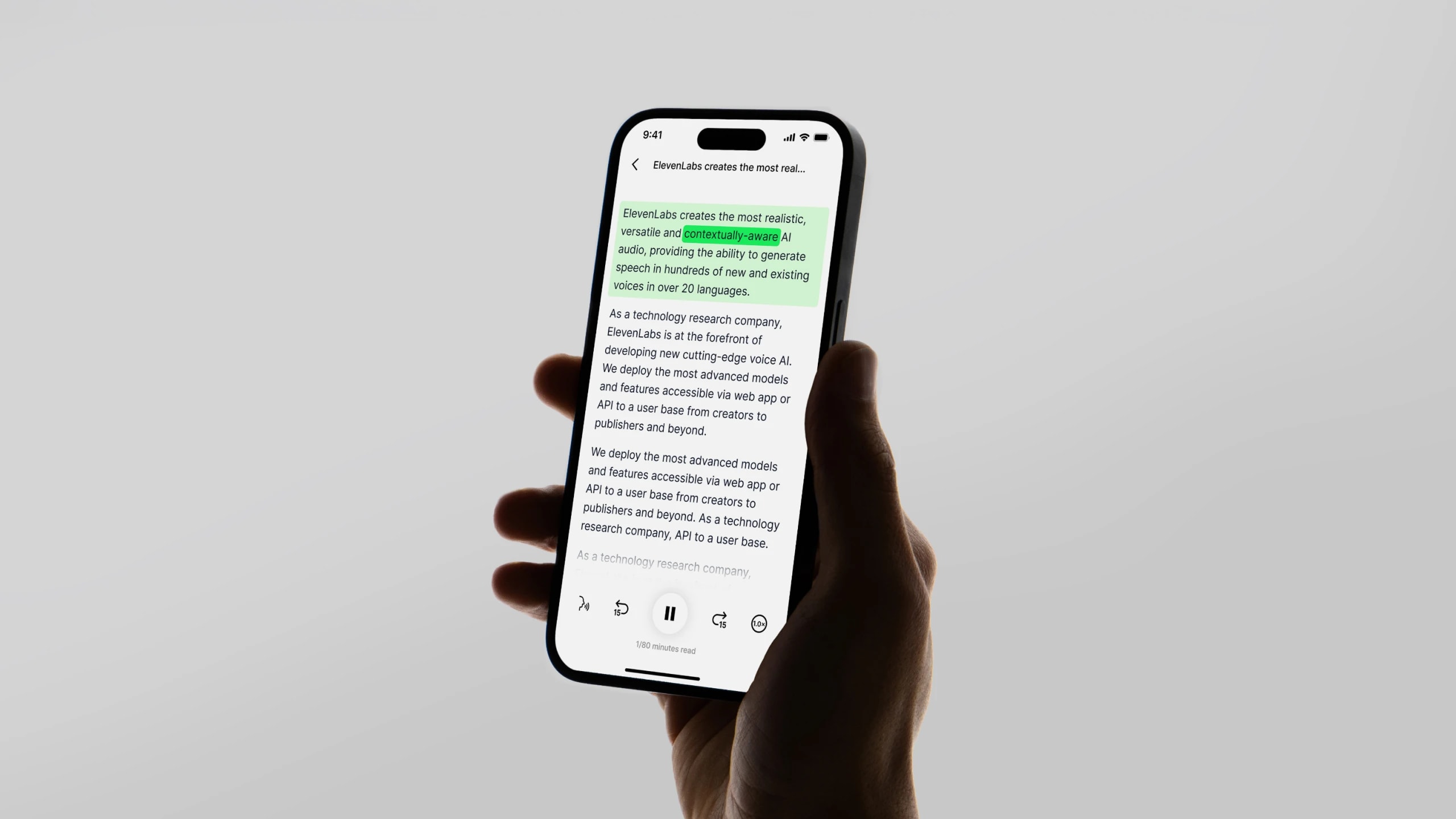
Thousands of books and any text you bring — in stunningly natural voices you choose.
Your first month. Just $1. Start listening for less this month.
Discover a better way to listen to Text-to-Speech audio on your iPhone.
By ElevenReader Team
Updated

Apple’s devices are known for their sleek design, powerful performance, and loyal user base. Whether it’s an iPhone, iPad, or Mac, Apple fans appreciate the seamless experience these products offer. However, when it comes to Text-to-Speech for iOS (TTS) capabilities, Apple still has room for improvement.
In a world where people consume more content by listening — whether it’s books, articles, or messages — voice quality matters. Unfortunately, Apple’s built-in TTS voices can sound robotic and lack the natural flow that makes listening enjoyable. For those who rely on TTS daily, whether for accessibility or convenience, the limitations can be frustrating.
The good news? There are better alternatives. In this article, we’ll explore the challenges of iOS’s native TTS features and introduce a solution that delivers high-quality, lifelike voices. If you’re looking for a smoother, more natural listening experience on your iPhone or iPad, keep reading.
Text to speech (TTS) is a technology that converts written text into spoken audio, allowing apps to read content aloud. On top of enhancing accessibility for users with visual impairments, when used on mobile devices, it also improves user experience in hands-free scenarios (e.g., navigation apps or audiobooks), and supports multilingual functionality.
TTS is commonly used in voice assistants, e-learning apps, and customer service chatbots, where they use AI-driven speech synthesis for natural-sounding voices.
There are several major reasons why Text-to-Speech apps have become so popular in recent years.
Text to speech apps can be a game-changer for auditory learners, making it easier to focus and absorb information. For these individuals, listening to content instead of reading it boosts their comprehension and knowledge retention. This can be particularly valuable for those who use TTS apps to study complex, long material.
These apps are also incredibly helpful for people with dyslexia, ADHD, or visual impairments. For someone with dyslexia, hearing text instead of reading it removes a major barrier, making it easier to understand and process information. Similarly, for those with ADHD, listening can reduce distractions and help maintain focus without worrying that their attention will drift away from static text.
Eye strain has become a real struggle these days — especially for those who work in an office environment. While the exact numbers are hard to assess, studies suggest that anywhere between 50-66% of workers suffer from something called computer vision syndrome (CVS).
For this reason, more and more office workers now use TTS apps to listen to long emails and work reports instead of reading them off-screen. Better yet, some choose to do so while commuting to or from work, making the most of their time (and giving their eyes much needed rest).
The rise of audiobooks has been nothing short of incredible, with the industry seeing double-digit revenue growth over the past decade. In fact, experts predict it will reach $35.05 billion by 2030. As more people embrace audio content, it’s no surprise that Text-to-Speech for iOS apps are also gaining traction.
A great narrator can make or break an audiobook — nearly 60% of listeners have abandoned a book simply because they didn’t like the voice.
That’s where AI-powered apps like ElevenReader come in, offering access to hundreds of high-quality voices, including the legendary tones of James Dean and Burt Reynolds. Whether you're catching up on an article or diving into a novel, these apps make listening an absolute pleasure.
Apple updates its Text-to-Speech (TTS) voices from time to time, but the last major update was two years ago. While the built-in and premium voices still offer solid quality, they don’t always keep up with the latest standards, especially when used offline. Many users looking for top-tier audio find that Apple’s default voices fall short compared to today’s AI-powered, ultra-realistic alternatives.
Another limitation is the variety of voices available. While you can choose from several high-quality options in ‘Settings’, the selection might feel a bit restrictive for those who want a more personalized or diverse TTS experience.
Default Text-to-Speech functionalities can be accessed on iOS devices in two ways — in the Safari web browser for online search or through Siri.
While Siri is primarily a voice assistant, from a technical standpoint, it can also be used for Text-to-Speech (TTS) on iOS. Some apps use Siri for their TTS functionalities, as Apple lets developers use their Speech Synthesis (AVSpeechSynthesizer) in iOS. Individual users can also enable Spoken Content in ‘Accessibility’ settings to have Siri read text aloud from websites, messages, or other apps. That said, it’s hardly the most optimal choice for users who want to use it beyond occasional short Text-to-Speech use like reading messages or results from Google.
Here are a few reasons why:
Ultimately, both Siri and Safari are just built-in features, not standalone, dedicated TTS apps. It’s the latter that are built specifically for frequent Text-to-Speech users – be it students who want to listen to notes or study material or busy individuals listening to otherwise written content on the go.
ElevenReader excels in providing a high-quality, customizable Text-to-Speech (TTS) experience that goes far beyond the basic functionality offered by Siri and Safari. Here’s how it stands out:
It’s a free standalone app – the reason why this matters is because you can use it to provide text-based content from multiple sources and save it for future use. If you use it for entertainment, you can also access a library of audiobooks or even create podcasts.
Natural, human-like voices – ElevenReader is an app powered by ElevenLabs’ advanced AI audio platform. It provides a wide range of incredibly natural-sounding AI-generated voices. These voices are designed to capture nuances in tone and emotion, creating a far more engaging and human-like listening experience than with Siri or Safari.
Whether you're listening to an audiobook, educational content, or even business presentations, the voices feel authentic and lifelike.
Advanced customization – you can fine-tune your listening experience in ways that neither Safari nor Siri can. You can adjust the voice, speed, pitch, and even the emotional tone of the speech, enabling a more personalized and tailored experience for different types of content. This level of customization is perfect for users who want to create a listening experience that fits their specific preferences.
Wide language support – while iOS built-in TTS comes with a limited selection of languages, it’s far slimmer than the choice in ElevenReader. This makes it an ideal choice for multilingual users or those who need to access content in different languages.
Cross-platform compatibility – unlike Siri and Safari, which are confined to Apple devices, you can use the ElevenReader on Android devices, too.
If you ever decide to switch platforms, you won’t lose any of your saved reading, podcasts, or uploaded documents. Nor will you lose access to high-quality TTS functionality when you move from iOS to a different operating system.
Offline functionality – ElevenReader can work offline, which is a major advantage for those who need to listen to content while traveling or in areas with limited connectivity, offering flexibility that Siri and Safari can’t provide in all situations.
You can see how the technology that powers ElevenReader works and listen its lifelike voices here — try it out.
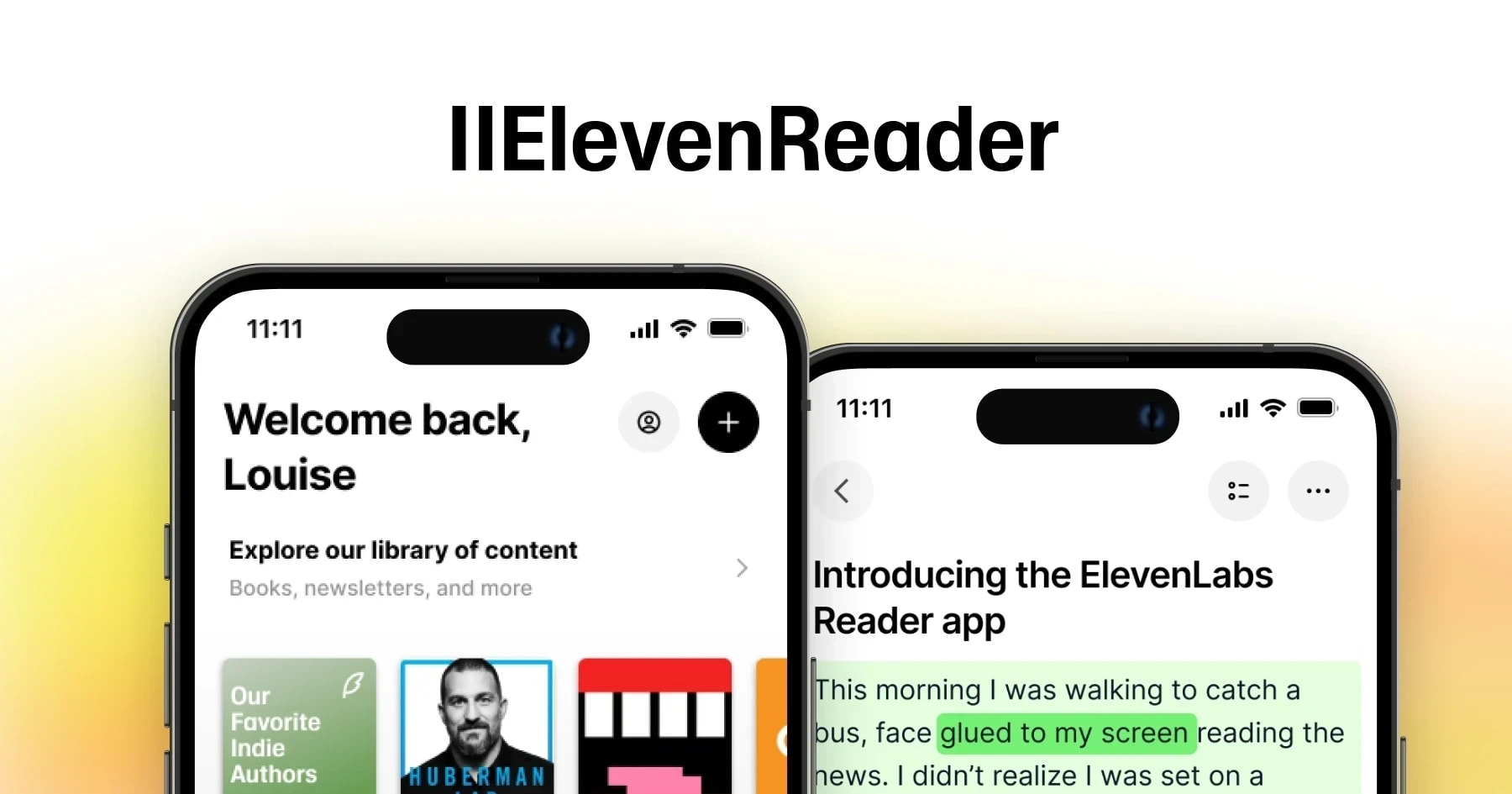
The ElevenReader app for iOS brings text to life using ElevenLabs' advanced AI, creating natural and expressive speech. You can tweak the voice to match your preferences — adjusting tone, accent, and even age. Plus, with a library of licensed voices, you can enjoy stories narrated by iconic figures, adding a unique touch to your listening experience.
Here's to get started:
With ElevenReader for iOS, you can listen to literary classics, newsletters, and articles, all brought to life with realistic AI voices. And if you want to listen to your own content — whether it’s web pages, PDFs, or ePubs — you also can. Just simply import them and enjoy them in 32 languages.
What's more, GenFM lets you turn any text into a custom smart podcast, making it a fun way to create personalized audio. Whether you’re on the move or simply prefer listening over reading, ElevenReader offers an effortless and engaging way to enjoy your content.
Don’t let the limitations of iOS's built-in Text-to-Speech options hold you back. ElevenReader transforms how you consume content with AI voices so realistic, you'll forget you're listening to a machine.
Why settle for robotic narration when you can enjoy the warm, expressive tones of premium AI voices — or even legendary narrators like James Dean?
Download ElevenReader on the App Store today and transform your audio experience.
Thousands of books and any text you bring — in stunningly natural voices you choose.
.webp&w=3840&q=90)
Wouldn’t it be great if you could listen instead of read? There are several apps for reading text aloud including ElevenReader.
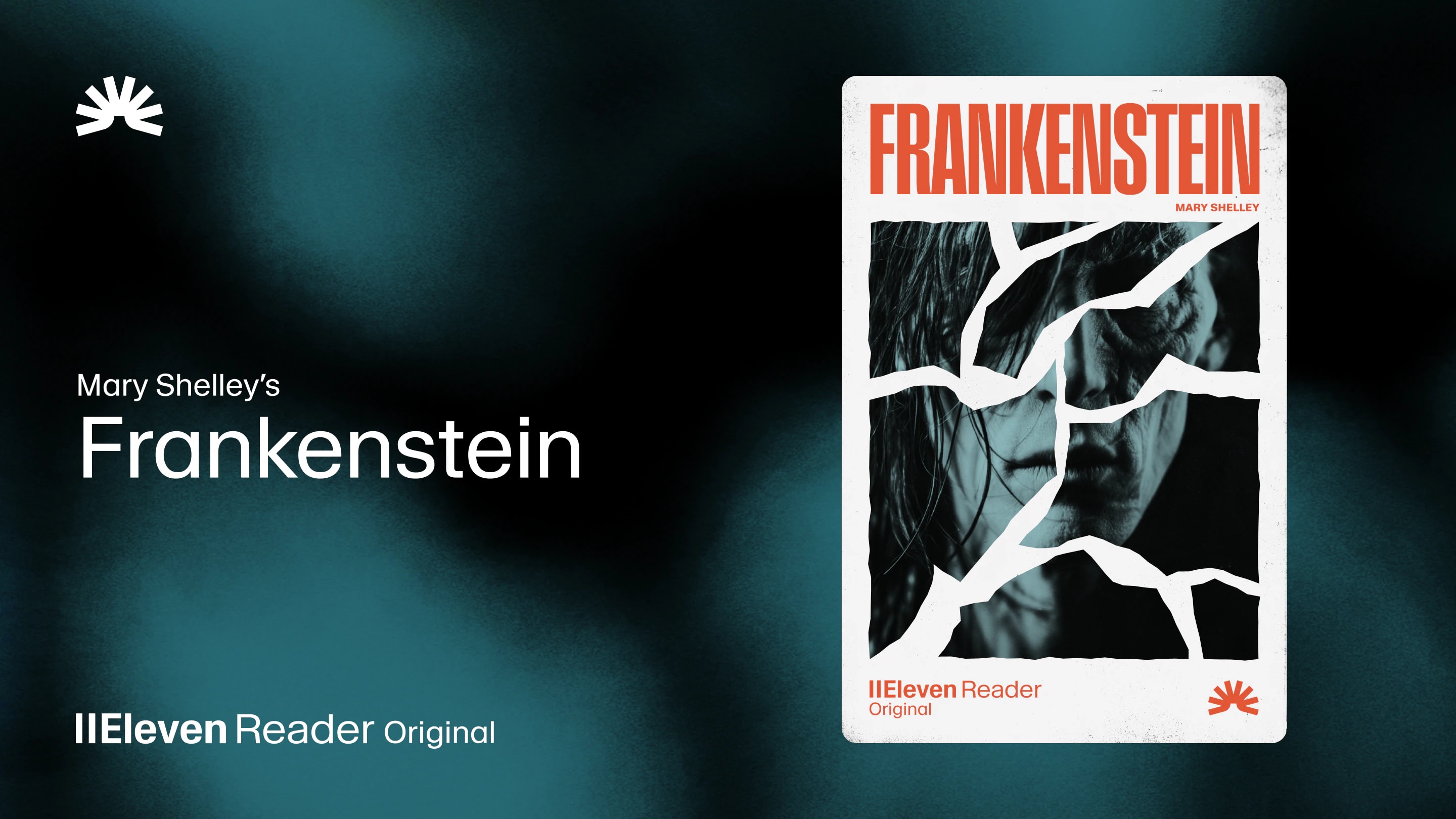
Frankenstein, the first cinematic audiobook created with Eleven v4, is coming just in time for Halloween