

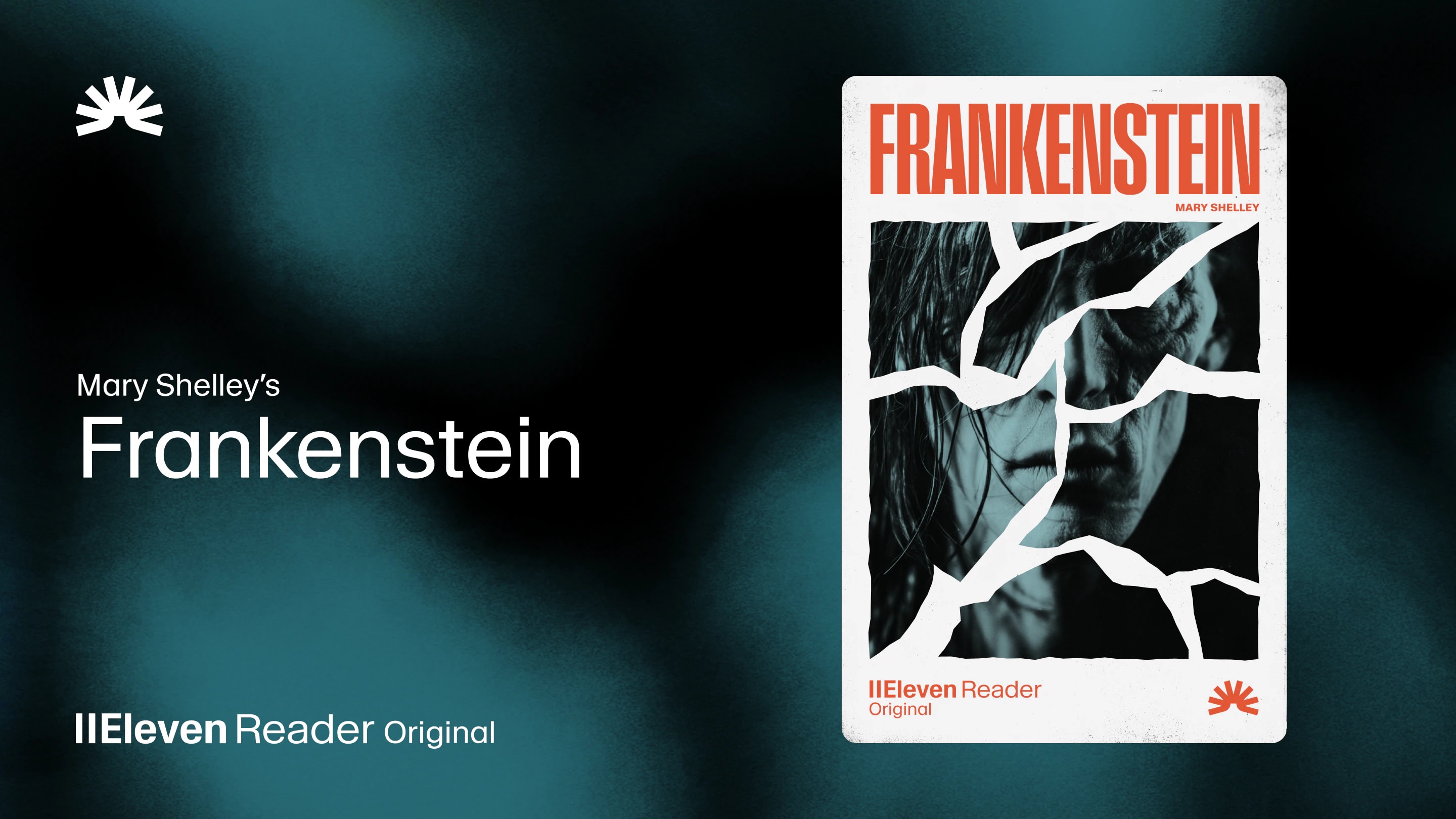
ElevenReader Brings Frankenstein to Life with a Full Cast and Original Score
Frankenstein, the first cinematic audiobook created with Eleven v4, is coming just in time for Halloween
Your first month. Just $1. Start listening for less this month.
Looking for the best AI PDF reader? We compared the top tools for reading, listening, and analyzing documents in 2026. Here is what you need to know.
By ElevenReader Team
Updated

If you’re still manually scrolling through a 50-page PDF trying to find a specific clause, or forcing yourself to read dense reports on a screen until your eyes hurt, you’re working harder than you need to.
In 2026, AI has made document-heavy work a lot easier, with PDF tools now offering two very specific ways to help.
On one side, you have analytical AI tools designed to summarize text, extract data, and answer questions about your documents. On the other side, you have audio-first AI tools that can read those documents out loud using ultra-realistic, human-sounding voices.
So if you’re ready to save time, reduce screen fatigue, or simply work through documents more efficiently, read on for a full breakdown of the best AI PDF readers available today. Trust us, they’ll make your life a lot easier.
If your primary goal is to extract information or summarize long documents, these are the top AI tools on the market.
| Category | Details |
|---|---|
| Best for | Corporate professionals and teams already using Adobe Acrobat |
| Pricing | Requires an Acrobat subscription (starting at $12.99/month) plus the AI Assistant add-on (around $1.99 to $9.99/month depending on promotion) |
| Pros | Excellent formatting retention, highly secure, integrates smoothly with existing workflows |
| Cons | Expensive if you don’t already need a full PDF editor, no advanced audio features |
Adobe invented the PDF format, so it’s no surprise the company has started weaving AI directly into its flagship product.
The Acrobat AI Assistant is designed primarily for professionals who already rely on Adobe’s ecosystem to manage and share documents. With the AI Assistant, you can ask questions about a document, generate quick summaries, and pull out key information to turn into emails, reports, or presentations. And because the tool is built directly into Acrobat, it also does a better job than most standalone web tools at handling complex formatting and charts.
| Category | Details |
|---|---|
| Best for | Students, researchers, and anyone who needs quick answers from a single document |
| Pricing | Free for small files; Plus plan is around $5/month for larger files and more questions |
| Pros | Extremely easy to use, provides citations for answers |
| Cons | Web-only, can struggle with highly visual or poorly formatted PDFs, no audio capabilities |
ChatPDF does exactly what the name suggests. It’s a simple web-based tool that lets you upload a PDF and start chatting with it using AI. So instead of having to scroll through pages and pages of text, you can ask questions and get quick answers pulled directly from the document.
This has made it especially popular with students and researchers who need to pull insights from academic papers without spending hours reading every page. You can also try it without creating an account, which makes it one of the easiest tools to start using right away.
| Category | Details |
|---|---|
| Best for | Customer support teams and enterprise knowledge management |
| Pricing | Starts at $299/month for the Team plan |
| Pros | Connects to multiple data sources, automates workflows, integrates with Slack and Zendesk |
| Cons | Expensive enterprise pricing, overkill for individual users |
While tools like ChatPDF are built mainly for individuals, eesel AI is designed for enterprise teams.
Instead of analyzing a single document at a time, it connects to your company’s entire knowledge base (including PDFs, internal wikis, and past support tickets) and pulls everything together in one searchable system. This makes it especially useful for customer support and IT teams that deal with a high volume of questions every day.
If your goal is to spend less time staring at a screen, analytical tools won’t help much. Instead, you need an AI PDF reader that can turn documents into clear, natural-sounding audio so you can listen while traveling, exercising, or working on something else.
| Category | Details |
|---|---|
| Best for | Professionals, students, and avid readers who want to listen to long documents with human-like voices |
| Pricing | Free plan includes 10 hours of listening per month with premium voices; Ultra plan starts at $8.25/month for unlimited listening |
| Pros | Unmatched voice quality, cross-device syncing, generous free tier |
| Cons | Focused only on reading and listening, no document editing or chat-based analysis |
ElevenReader is designed specifically for long-form listening. All you have to do is upload a PDF from your computer, and it will automatically sync with the ElevenReader mobile app on iOS or Android. Once loaded, the app turns the document into a smooth, audiobook-style experience that’s easy to follow (and it actually sounds like it’s read by a human).
And because the app syncs across devices, it also fits smoothly into different workflows. You might upload a document on your computer during the day and then pick up where you left off on your phone later. That flexibility makes it much easier to keep moving through long documents without interrupting your routine.
| Category | Details |
|---|---|
| Best for | Users who want celebrity voices or specific accessibility features |
| Pricing | Free version includes only basic, robotic voices; Premium costs $29/month |
| Pros | Wide platform availability, celebrity voices, strong accessibility features |
| Cons | Expensive annual commitment, free version voices are low quality |
For PDF-focused workflows, Speechify is another option that works reliably across multiple platforms, including mobile apps and a Chrome extension. This makes it easy to upload a document or open a PDF in your browser and immediately start listening.
That said, the pricing structure can be a drawback for some people. The free version is fairly limited, and unlocking the higher-quality voices requires a premium subscription that’s billed annually.
| Category | Details |
|---|---|
| Best for | Users looking for a straightforward, traditional text-to-speech tool |
| Pricing | Free version available; Plus plans start at $20.90/month, with Premium plans (best AI voices) at $25.90/month |
| Pros | Easy to use, supports many file types, commercial licensing available |
| Cons | Top-tier voices are expensive, interface feels slightly dated |
NaturalReader is a veteran in the text-to-speech space and offers a simple, reliable experience. It supports a wide range of file types (including PDFs), and its clean interface makes it easy to start listening to documents right away.
The voices are noticeably better than standard system text-to-speech (which is great!), though they don’t quite match the realism of newer neural voice models. Still, for people who want a basic tool that just works, NaturalReader is a solid middle-ground option.
Ready to start working smarter with your documents? Let’s quickly recap the best AI PDF readers and match them to the workflows they’re best suited for.
If your goal is to summarize and analyze documents quickly:
If your goal is to listen instead of read:
In many cases, the most efficient setup is a hybrid workflow: use an analytical AI tool to summarize and extract insights, then switch to an audio-first reader to listen through the full document without having to stare at a screen.
Whichever approach you choose, one thing is clear: AI PDF readers are quickly becoming essential tools for anyone who regularly works with long documents.
A standard PDF reader, like Apple Preview or basic Adobe Reader, simply displays the document on your screen and may offer basic highlighting or markup tools. An AI PDF reader uses artificial intelligence to either analyze the text (summarizing and answering questions) or convert the text into highly realistic, human-sounding audio.
It depends on the tool. To read a scanned document, the software must include Optical Character Recognition (OCR) technology to convert the image of the text into actual machine-readable text. Many premium AI tools include OCR, but basic or free web tools often struggle with scanned PDFs.
Security varies significantly between providers. Enterprise tools like Adobe Acrobat and eesel AI have strict data privacy policies and do not use your documents to train public models. Free, web-based tools may have looser privacy policies. Always check the privacy terms before uploading sensitive or confidential information.
Yes. Audio-focused tools like ElevenReader have dedicated iOS and Android apps designed specifically for mobile listening. Analytical tools are often web-based or built into desktop software, though some offer mobile companion apps with limited functionality.
Older text-to-speech tools sound robotic, but modern AI voices use advanced neural networks to replicate human speech patterns. Tools like ElevenReader use industry-leading AI to produce voices with natural intonation, pacing, and breath sounds, making them nearly indistinguishable from a real human narrator.
Frankenstein, the first cinematic audiobook created with Eleven v4, is coming just in time for Halloween

How to read Google Docs aloud when the Audio option is missing, with built-in Google tools and ElevenReader.