

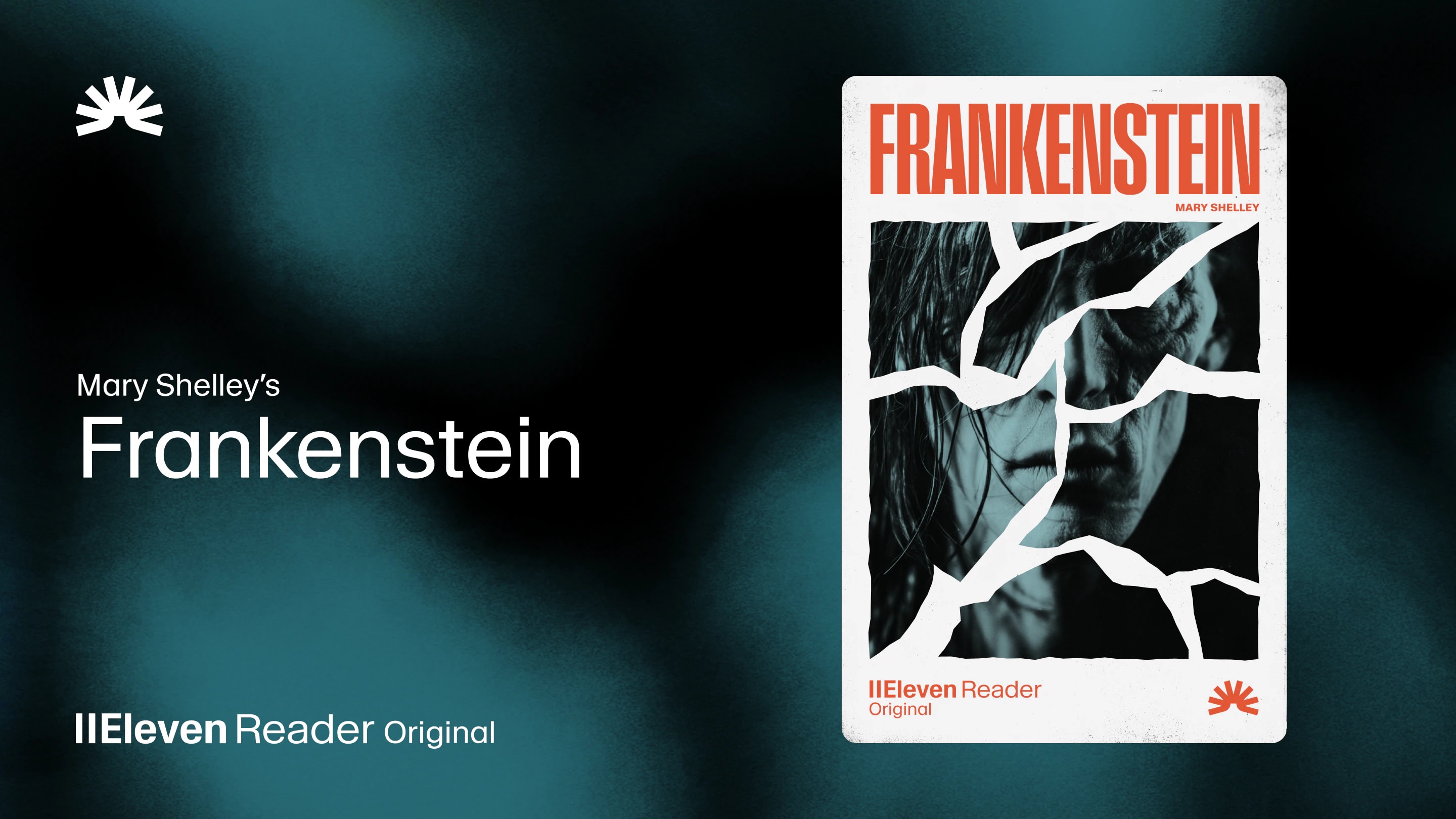
ElevenReader Brings Frankenstein to Life with a Full Cast and Original Score
Frankenstein, the first cinematic audiobook created with Eleven v4, is coming just in time for Halloween
Your first month. Just $1. Start listening for less this month.
Want to turn a PDF into an audiobook? Let's compare two simple methods for personal listening, audio downloads, editing, and publication.
By ElevenReader Team
Updated

Want to turn a PDF into an audiobook? You might be surprised at how quick and easy it can be!
If you simply want to listen to a report, ebook, or research paper, you can upload it to ElevenReader and start playing it almost immediately. If you want an MP3 or WAV file that you can edit, download, or publish on audiobook platforms, you'll need a full production tool like ElevenLabs Audiobooks.
In this guide, we'll walk you through both text-to-speech methods, along with practical tips for making the narration sound as natural as possible.
Yes! Modern text-to-speech tools can take the words inside a PDF and turn them into natural-sounding narration.
That means the report you've been putting off, the ebook sitting in your downloads folder, or that 200-page manuscript you've written can be transformed into something you can enjoy while doing chores or commuting to and from work.
For readers, text-to-speech offers an easy way to get through more content without spending hours staring at a screen. For writers and authors, hearing the text out loud can reveal clunky sentences, typos, and repeated words.
Either way, turning your PDF into audio gives you a whole new way to engage with it. And at ElevenReader, we think that's pretty cool!
If your main goal is to listen to a personal document, use ElevenReader's PDF reader. It works on the web, iPhone, and Android, and it has over 1,000 voices across 30+ languages to choose from.
Here's a quick look at how you can turn your PDF into an audiobook with ElevenReader.
Open ElevenReader in your browser or mobile app, then add your PDF. The web version is handy when the file is already on your laptop, while the mobile app makes sense if it arrived by email, cloud storage, or another app.
ElevenReader's smart import process can identify the main text and skip repeated clutter such as headers, footers, and page numbers. This helps the document flow more like an audiobook, although unusual layouts and complicated scans will probably need some tweaking before you can enjoy them as continuous audio.
Now for the fun part: choosing your narrator.
Start by testing a few options with a paragraph from your PDF. This will give you a good idea of how each voice handles the names, dialogue, sentence length, and terminology in the document. A clear, understated voice works well for reports and research papers, while fiction can benefit from more emotion and variation.
Once you've chosen a narrator, pick a normal speaking pace and then increase the speed in small steps. You may be able to move quickly through familiar material, while new concepts, legal definitions, equations, and dense descriptions often need more breathing room.
You don't have to use the same speed for the entire PDF, either. Fly through the contents page, slow down for the central argument, then speed up again when reviewing a section you already know.
ElevenReader syncs your library across devices, so you can upload a PDF on your computer and continue listening on your phone. You can even download content for offline listening with ElevenReader Ultra, which is super handy for flights, train journeys, and trips with patchy service.
Want an audiobook you can download, edit, or publish? You'll need a full production tool rather than a listening app.
ElevenLabs Audiobooks accepts PDF and EPUB manuscripts and gives you control over the chapters, voices, pronunciations, and final audio. Once everything sounds right, you can export your audiobook as an MP3 or WAV file.
Here's how it works.
Start by removing anything that works on the page but would sound distracting when narrated. That might include repeated headers, page numbers, watermarks, navigation text, and visual labels.
You'll also need to decide how to handle footnotes, citations, captions, and tables. Some can be removed, while others may need to be rewritten so they make sense without the page in front of you.
Make sure your chapter headings are clear and consistent, and check which parts of the front matter belong in the audio edition. If you have both PDF and EPUB versions, use whichever has the cleanest structure and reading order.
After you upload your manuscript, ElevenLabs Audiobooks will identify its chapters, metadata, cover art, and other formatted sections.
Take a few minutes to review the results. Check that every chapter begins and ends in the right place, remove any sections you don't want narrated, and rename vague chapter titles. These titles help listeners find their way around the finished audiobook, so they should make sense on their own.
Single-cast narration uses one voice for the whole book. It's simple, consistent, and works well for nonfiction, memoirs, essays, instructional content, and many novels.
Multi-cast narration assigns different voices to the narrator and characters. This can bring dialogue-heavy fiction to life, but it also takes more time to review. You'll need to check that every line has been assigned to the right person and that the voices sound natural together.
Don't test a voice using the easiest paragraph in your manuscript. Choose a passage with dialogue, emotion, long sentences, unfamiliar names, abbreviations, or technical language.
Listen for clarity and think about how the narrator will sound across the entire book. A dramatic voice could overpower a calm nonfiction title, while a neutral voice may leave a novel feeling a little flat.
Use the same sample each time you compare voices or settings. This will make it much easier to hear the differences.
Names, places, acronyms, invented words, and technical terms are all worth reviewing before you generate the full audiobook. Add pronunciation rules where needed, then test each correction inside a complete sentence.
Doing this as early as possible will save you a ton of time in the long run. It's much easier to fix a recurring name now than regenerate it across 20 finished chapters.
Start with a short section to make sure you're happy with the voice, pacing, volume, and pronunciation. For longer manuscripts, working chapter by chapter makes it easier to spot problems and regenerate only the affected audio.
We also recommend listening through your PDF at least twice before publishing. On the first pass, focus on how easy the section is to follow. On the second, listen more closely for mispronunciations, awkward pauses, repeated words, abrupt cuts, or distracting transitions between voices.
Once you're happy with the finished narration, export it as an MP3 or WAV file. WAV is useful if you plan to continue editing, while MP3 gives you a smaller file for everyday playback and distribution. You can download the complete audiobook as one file or export a chapter-based ZIP.
You can also submit your audiobook for publication on ElevenReader and supported partner platforms. You'll need to provide details such as your author profile, metadata, cover artwork, distribution information, and payout details before the title goes through review.
For more help with audiobook production, take a look at these guides:
There you have it!
If you want to listen to a PDF for yourself, ElevenReader can have it playing in minutes. And if you're creating an audiobook to publish or share, ElevenLabs Audiobooks gives you all the production tools you need to create something your readers will genuinely enjoy listening to.
Ready to hear how good your PDF can sound? Try ElevenReader for free today and enjoy up to 10 hours of text-to-audio every month on us.
Yes. ElevenReader has built-in optical character recognition (OCR) that can recognize the words in many scanned PDFs and turn them into audio. Just know that the clearer the scan, the better your results are likely to be.
No. ElevenReader is designed for listening inside the app and doesn't turn an imported PDF into a standalone MP3 file. If you need downloadable audio, ElevenLabs Audiobooks supports MP3 and WAV export as part of its production workflow.
If your PDF contains clean, selectable text, you can start listening in ElevenReader within minutes. Creating a finished audiobook takes longer because you'll need to review the chapters, choose voices, check pronunciations, generate the narration, correct any errors, and approve the final audio. Longer manuscripts and complicated source files naturally require more preparation.
Having access to a PDF doesn't automatically give you the right to publish an audio version. Only use work you own, material in the public domain, or content covered by clear permission or an appropriate license. Check the applicable rights and distribution terms before sharing or selling the finished audiobook.
For personal listening, the easiest option is to upload a clean PDF to ElevenReader, choose a voice, and press play. If you need an audiobook that you can download, edit, or publish, use ElevenLabs Audiobooks and review the document structure, narration, and publishing rights before generating the final files.
Frankenstein, the first cinematic audiobook created with Eleven v4, is coming just in time for Halloween

How to read Google Docs aloud when the Audio option is missing, with built-in Google tools and ElevenReader.