

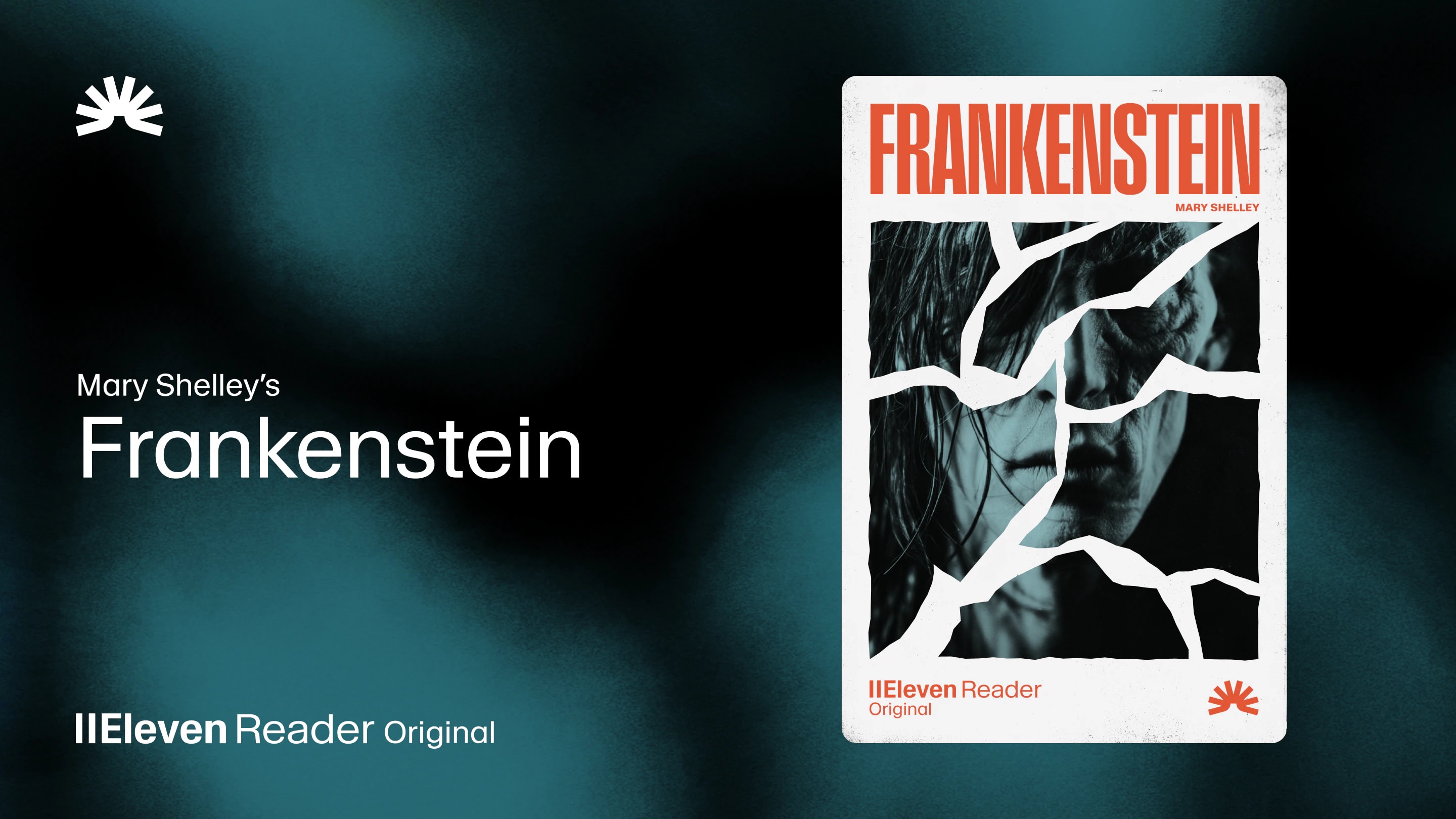
ElevenReader Brings Frankenstein to Life with a Full Cast and Original Score
Frankenstein, the first cinematic audiobook created with Eleven v4, is coming just in time for Halloween
Your first month. Just $1. Start listening for less this month.
Looking for a PDF reader that reads aloud? We compare six top options based on voice quality, OCR, playback features, platforms, and pricing.
By ElevenReader Team
Updated

Ever tried listening to a PDF, only for the voice to jump between columns and turn a perfectly clear document into complete nonsense?
It's enough to put anyone off PDF readers altogether. And while that may still happen with basic readers, the latest tools offer a much smoother experience with better voices, cleaner document processing, and genuinely helpful playback controls.
So if it's been a while since you gave PDF readers a chance, read on for our roundup of the six best PDF readers that read aloud and how they compare on voices, features, and price.
PDFs can be surprisingly complicated. Along with the main text, they may contain columns, tables, captions, footnotes, page numbers, and images. A good reader will be able to make sense of these elements and read them in the right order, but a basic one might jump between columns or announce the same header on every page.
Scanned PDFs add another challenge because they may contain images of words rather than readable text. These files require OCR (optical character recognition) technology to recognize what's on the page, so look for a reader with this feature built in if you regularly listen to scanned documents.
Then there's the voice itself. A basic system voice may be fine for a paragraph, but it can quickly become tiring during a long report or ebook. Natural pacing and pauses make longer documents much easier to follow, while features such as speed controls, highlighting, bookmarks, pronunciation settings, and progress syncing give you more control over how you listen.
Before we get into the details, here's a quick look at how the top PDF readers in our list compare.
| PDF Reader | Best For | Platforms | Built-in OCR? | Pricing |
|---|---|---|---|---|
| ElevenReader | Natural narration and regular listening | Web, iOS, Android | Yes |
Free plan includes 10 hours of imported text audio each month. Ultra plan costs $11 monthly or $8.25 per month when billed annually. |
| Microsoft Edge Read Aloud | Quick browser-based playback | Windows, macOS | No native OCR documented | Included with Microsoft Edge at no additional cost. No subscription is required for basic PDF playback. |
| Adobe Acrobat Reader | Listening inside an existing PDF workflow | Windows, macOS | Paid Acrobat tools | Acrobat Reader and Read Out Loud are free. OCR and advanced document repair tools require a paid Acrobat product or separate service. |
| NaturalReader | Detailed playback and study controls | Web, iOS, Android, browser extension | Yes, with a subscription | Free plan includes basic listening features and voices. Paid plans start at $13.90 monthly or $79 annually. |
| Speechify | Scanning printed material and listening at high speeds | Web, iOS, Android, browser extensions | Yes |
Free version available with limited voices and features. Premium plans start from $29 per month. |
| Voice Dream Reader | Apple accessibility and offline listening | iPhone, iPad, Mac, Apple Watch, Apple Vision Pro | Yes | Free trial only; subscriptions start from $4.99 monthly or $79.99 annually, with some premium voices sold separately. |
Best overall: ElevenReader
ElevenReader takes our top spot because it makes PDFs sound more like audiobooks than documents being read by a computer.
Getting started is also super easy. All you have to do is create an account for free, upload your PDF, choose a voice, adjust the speed, and press play. Distracting elements like headers, footers, and page numbers are automatically removed, while synchronized text highlighting helps you follow along as you listen.
Because your progress syncs across devices, you can easily fit listening around your day. Upload a research paper on your laptop, continue on your phone during a walk, then pick up exactly where you left off when you get home.
The free plan includes 10 hours of listening each month and access to over 1,000 natural-sounding AI voices. If you choose to upgrade, the Ultra plan adds unlimited listening for personal imports and offline downloads. ElevenReader also has built-in OCR for scanned PDFs. So depending on the quality of your PDF, you may not need to run your document through a separate OCR tool first, which can be really handy.
If you want to listen to the occasional PDF without downloading another app, Microsoft Edge offers a convenient free option called Read Aloud.
To start listening, open a text-based PDF in the browser, select Read Aloud, then choose a voice and adjust the speed. Like ElevenReader, the words will be highlighted during playback, so it's easy to follow along without losing your place.
As for voice quality, Microsoft Edge Read Aloud offers a small selection of voices you can access both online and offline. However, fewer voices are available when you don't have an internet connection.
For the occasional assignment, work document, or manual, Edge may be all you need. It's free, already built into the browser, and it doesn't ask you to create another account before you can listen.
The only trade-off is that Edge doesn't have built-in OCR for image-only PDFs, so scanned documents may need to be converted elsewhere first. It also lacks the synced library and cross-device continuity you get with a dedicated reading app, making it less convenient for regular or longer listening.
If you already use Adobe Acrobat to view, comment on, and manage PDFs, its free Read Out Loud feature is another convenient option.
To listen, simply open the View menu, activate Read Out Loud, then choose to hear the current page or the rest of the document. From there, you can select any compatible voice installed on your computer and adjust the reading speed.
This setup works well for checking a quick passage, proofreading your work, or listening to a basic report without having to upload it to another platform. However, the quality of the audio depends heavily on the PDF. Complicated layouts, poor reading order, and image-only scans can all lead to awkward narration. OCR is available through paid Acrobat tools, so the free reader feels more like a basic desktop utility than an audiobook-style listening app.
NaturalReader is another option, and it's well-suited for anyone looking for a lot more control over how PDFs look and sound while listening. It's available on both web and mobile, and it offers hundreds of AI voices across more than 90 languages.
One of NaturalReader's biggest strengths is in its playback controls. You can adjust the pauses between sentences and paragraphs, repeat sentences, correct pronunciations, and set a timer. There are also plenty of ways to follow along, including word or sentence highlighting, custom highlight colors, and automatic scrolling.
The free plan includes unlimited use of basic voices and limited daily access to Plus voices. However, features like OCR, MP3 conversion, fuller text filtering, and extended access to advanced voices require a subscription, which starts at $13.90 per month.
NaturalReader may offer more settings than you need for the occasional report. But if you'll regularly use its pronunciation tools, annotations, OCR, or detailed playback controls, the additional setup and subscription may be worth it.
Not everything you want to listen to comes as a neat digital PDF. If you regularly work with textbooks, printed handouts, or handwritten notes, Speechify lets you take a photo of the page and uses OCR to turn the recognized text into audio.
It also supports cloud documents and offers faster playback speeds, making it a practical option for students and professionals who switch between printed and digital material.
The main drawback is the free plan. You can access basic voices without paying, but the more natural options and many of the advanced features require a Premium subscription. That may be worth it if you plan to use the scanning tools regularly. But if most of your documents are already digital PDFs, a simpler or more affordable reader will probably do the job.
If you use Apple devices and want plenty of control over how your documents look and sound, Voice Dream Reader is definitely worth considering. It supports PDFs, EPUBs, Word documents, PowerPoint files, web pages, and several other formats.
Once you're listening, there's no shortage of ways to personalize the experience. You can adjust the speed, pitch, and pauses, switch between word and sentence highlighting, turn on automatic scrolling, and correct pronunciations. Display controls also let you change the font, spacing, colors, and margins.
Accessibility sits at the heart of Voice Dream Reader, with features designed to support people with blindness, low vision, dyslexia, autism, and motor difficulties. Many voices and reading features work offline, while the built-in scanner uses OCR to recognize text in scanned PDFs and photos.
After the free trial, you'll need a subscription, and some premium voices cost extra. Android and web users will also need to look elsewhere. But if you already use Apple devices and value detailed accessibility controls, Voice Dream Reader might be just what you're after!
Ultimately, the right PDF reader depends on the types of documents you use and how you like to listen.
Edge and Adobe Acrobat are convenient for occasional desktop playback, NaturalReader gives you detailed study controls, Speechify is handy for scanning printed pages, and Voice Dream Reader offers a strong set of accessibility features for Apple users.
For most listeners, though, ElevenReader strikes the perfect balance. Its natural-sounding voices, built-in OCR capabilities, and cross-device syncing make PDFs much easier and more enjoyable to listen to. The generous free plan also gives you plenty of time to try it with your own documents before considering an upgrade.
Ready to hear the difference for yourself? Try ElevenReader for free today and start listening to your first PDF in minutes.
ElevenReader is generally best for natural narration, with up to 10 hours of listening each month and access to more than 1,000 voices. Microsoft Edge is also handy for quick browser playback, while Adobe Acrobat Reader works well if your PDF is already open and you're happy with a basic system voice.
Yes, as long as it has OCR. This technology recognizes the words in scanned or image-only PDFs so they can be read out loud.
ElevenReader has OCR built in, while Speechify, NaturalReader, and Voice Dream Reader also offer scanning features on selected paid plans. Results can vary, though, especially for documents with faint text, unusual layouts, or low-quality images.
Voice Dream Reader supports offline listening on compatible Apple devices, while Microsoft Edge can work offline with a smaller choice of voices. ElevenReader Ultra also lets you download documents for offline listening.
PDF readers follow the reading order stored in the PDF, which doesn't always match the way the page looks. Well-structured PDFs are usually easier to follow, but columns, tables, and footnotes can still cause the narration to jump around. If that happens, try another reader or look for a more accessible version of the file.
Frankenstein, the first cinematic audiobook created with Eleven v4, is coming just in time for Halloween

How to read Google Docs aloud when the Audio option is missing, with built-in Google tools and ElevenReader.