.webp&w=3840&q=90)
ElevenReader Brings Frankenstein to Life with a Full Cast and Original Score
Frankenstein, the first cinematic audiobook created with Eleven v4, is coming just in time for Halloween
Your first month. Just $1. Start listening for less this month.
Wouldn’t it be great if you could listen instead of read? There are several apps for reading text aloud including ElevenReader.
By ElevenReader Team
Updated
.webp&w=3840&q=90)
Your iPhone is always with you — whether you’re commuting, working out, or just giving your eyes a break. But reading long articles, documents, or eBooks isn’t always convenient.
Wouldn’t it be great if you could listen instead of read?
While iOS has a built-in text-to-speech feature, it’s pretty basic. If you want smoother, more natural voices, support for different file types, and extra customization, a dedicated TTS app is the way to go. Below, we compare the best text to speech apps for iPhone so you can find the perfect one for your needs.
If you type ‘text-to-speech’ into the AppStore, you’ll find dozens of apps to read text aloud for iPhone. Many offer a free trial, but you probably don’t want to spend hours testing them all. Finding ‘the one’ is much easier when you know what to look for. Here are the key factors to consider.
Here are a few iPhone text readers that you can look into:
Key features and strengths
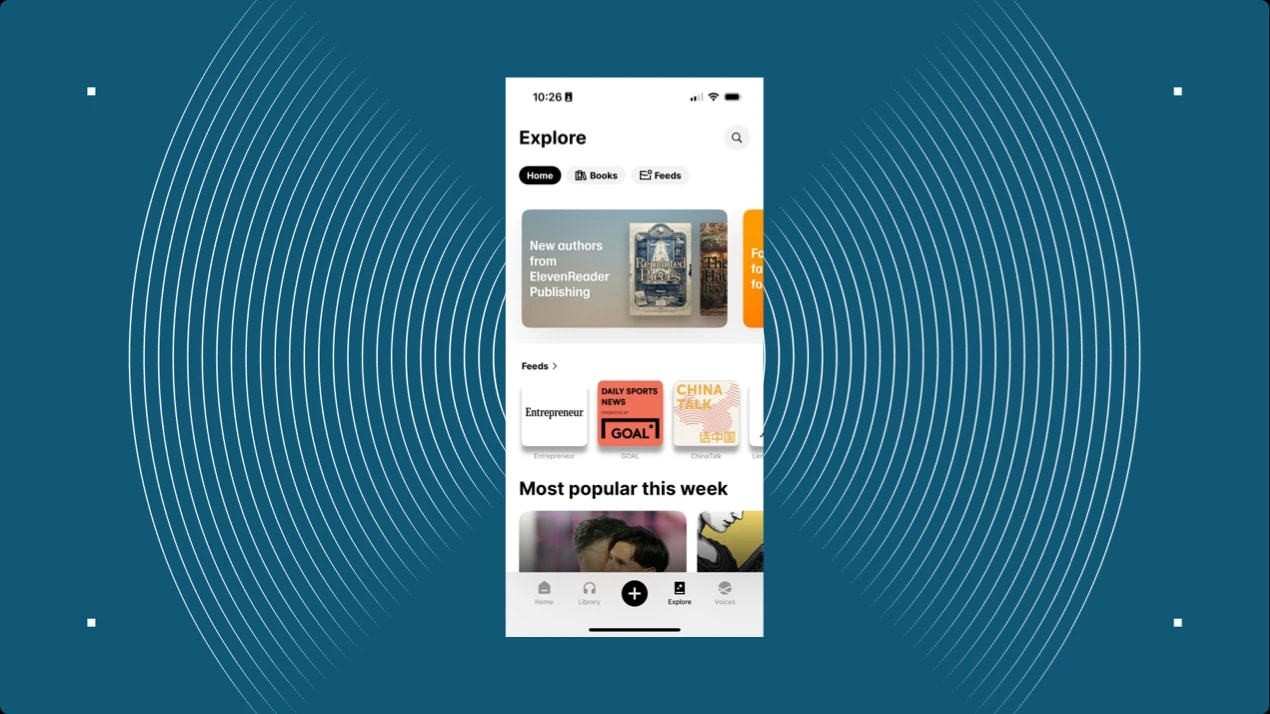
ElevenReader can transform any text — be it articles, eBooks, PDFs, or web pages — into lifelike audio. With access to a vast library of free books, newsletters, and blog articles, you can immerse yourself in a world of knowledge and entertainment. The app's seamless integration with ElevenLabs' advanced AI technology ensures a smooth and engaging listening experience.
Voice quality
ElevenReader offers ultra-realistic, human-like AI voices. You can choose from a diverse selection of voices, including iconic figures like Maya Angelou, Sir Laurence Olivier, or Burt Reynolds, all brought to life through exclusive partnerships. This unique feature sets ElevenReader apart, offering a truly personalized and engaging listening experience.
Ease of use and interface
Designed with user convenience in mind, ElevenReader features an intuitive interface that allows you to easily import text, paste web links, upload PDFs or ePubs, and even scan printed text. The app lets you adjust the reading speed and highlights text as it reads, making it easier to follow along and remember what you hear. It’s perfect for both learning and relaxing.
Pricing and free trial options
ElevenReader is completely free, providing unlimited access to its extensive features with no subscription required. While premium plans will be introduced in the future, they’ll remain highly affordable for the value they offer compared to other TTS apps. A generous Free tier will always be available, ensuring that everyone can enjoy high-quality AI narration without barriers.
Key features and strengths
NaturalReader is a versatile text-to-speech app that converts different text formats such as PDFs, Word documents, and eBooks into spoken words. It supports over 50 languages and offers more than 200 AI voices, including multilingual and content-aware options. This read aloud app for iOS allows users to adjust reading speed and voice selection, providing a customizable listening experience. Additionally, it features a Pronunciation Editor to improve voice quality and acronym reading.
Voice quality
NaturalReader provides high-quality, natural-sounding voices, enhancing the listening experience. Users can choose from a variety of voices and adjust the speech speed to suit their preferences. The inclusion of Plus voices enables fluid, human-like delivery, making the text-to-speech experience more realistic.
Ease of use and interface
The app features an intuitive interface that allows users to easily upload documents, paste text, and start listening immediately. It supports various file formats, including PDFs, Word documents, and eBooks, providing flexibility in content selection.
Pricing and free trial options
NaturalReader offers a free version with basic features. A premium subscription unlocks access to high-quality voices, additional features like text-to-PDF, and unlimited document reading, and costs $19 per month.
Key features and strengths
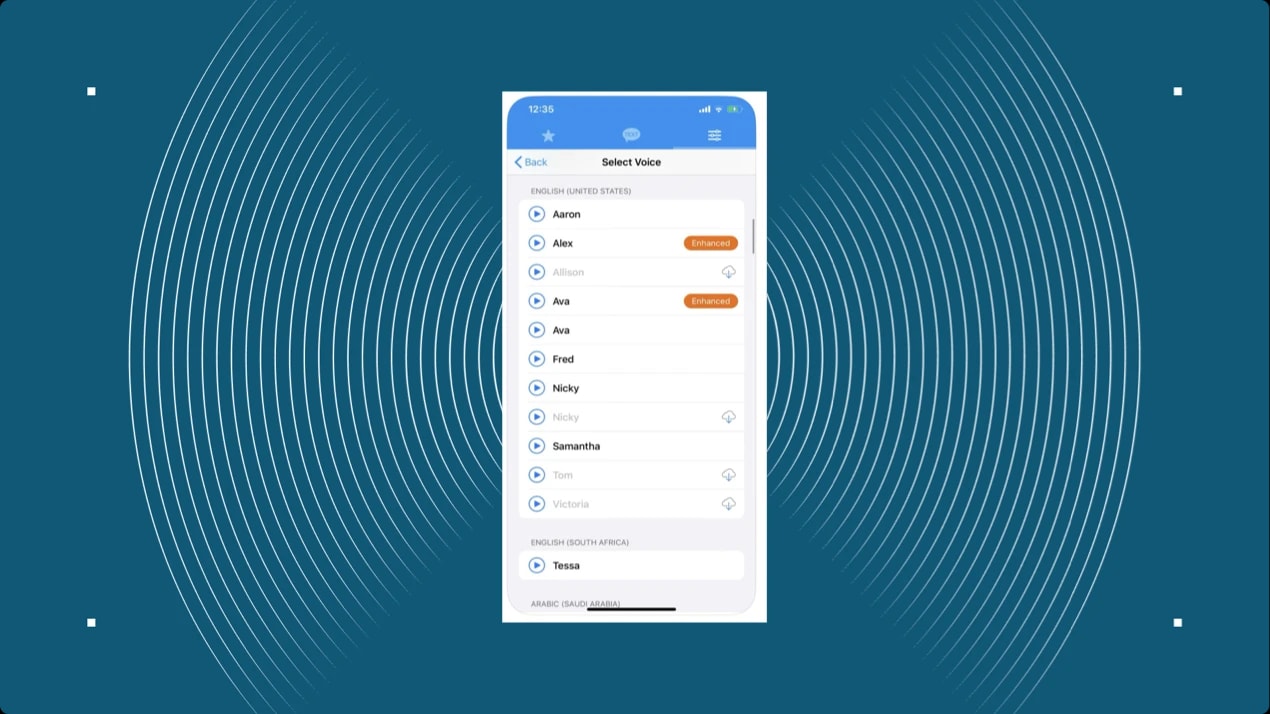
This text to speech app for iPhone offers 178 different voices in 63 different accents and languages. It allows users to adjust the pitch and rate of the voice and supports offline usage.
Voice quality
It provides a wide range of voices, though some users may find the quality less natural compared to other apps.
Ease of use and interface
Text to Speech! features a straightforward interface with easy navigation, allowing users to input text and listen to it seamlessly. Unfortunately, quite a few users complain about too many ads showing in the app.
Pricing and free trial options
The app offers a free version with basic features. A premium subscription unlocks additional voices and features. It’s free to use, but if you’d like to remove ads, you’d have to pay $9.99.
Key features and strengths
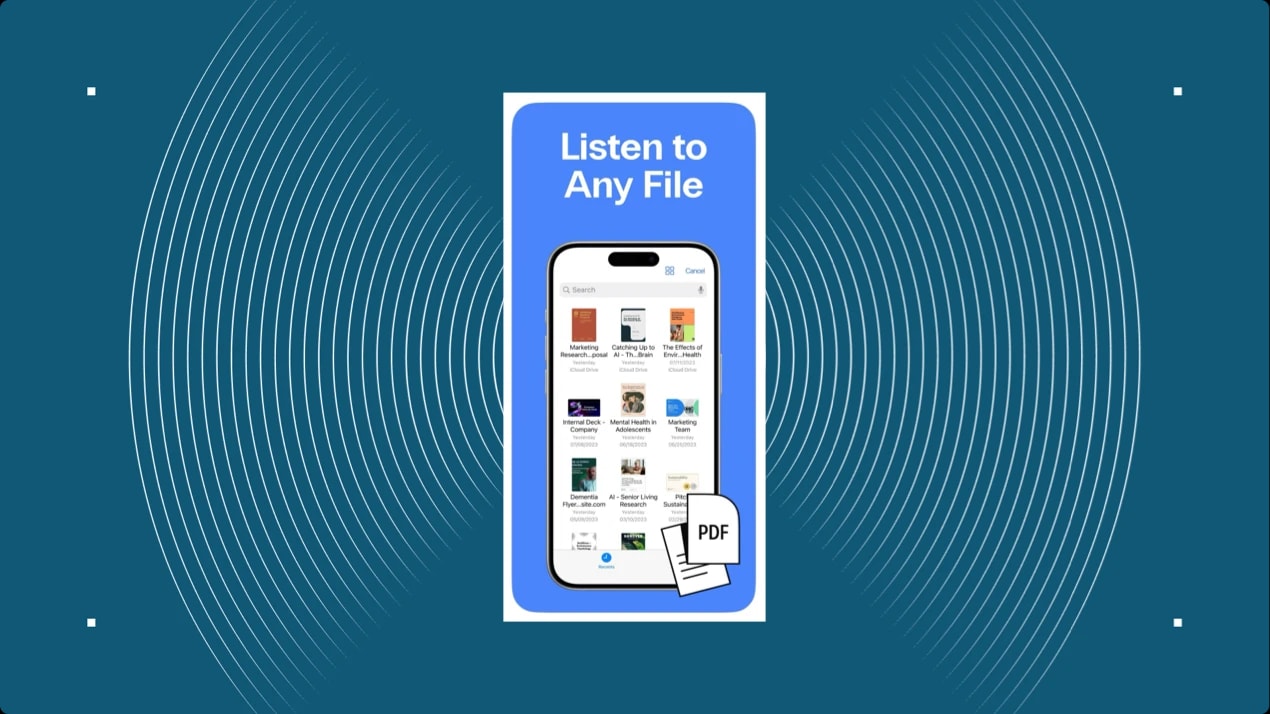
Speak4Me is a text-to-speech app that converts any text into audio, including PDFs, websites, and documents. It allows users to listen to content hands-free, making it ideal for multitasking or individuals with visual impairments. It supports over 20 languages and accents, offering a wide range of voice options.
Voice quality
It provides natural-sounding voices in multiple languages and accents. Users can choose between male and female voices and adjust the speech speed to suit their preferences.Ease of use and interface
The app offers a user-friendly interface with a simple design, making it easy to navigate. Users can input or paste text, select a language and voice, and start listening immediately. It also supports uploading files from cloud services like iCloud and Dropbox.Pricing and free trial options
Speak4Me offers a free version with basic features. A premium subscription unlocks additional voices, enhanced customization options, and unlimited document support. They offer a free trial. Paid packages range from $4.99 weekly to $79.99 yearly.
Key features and strengths
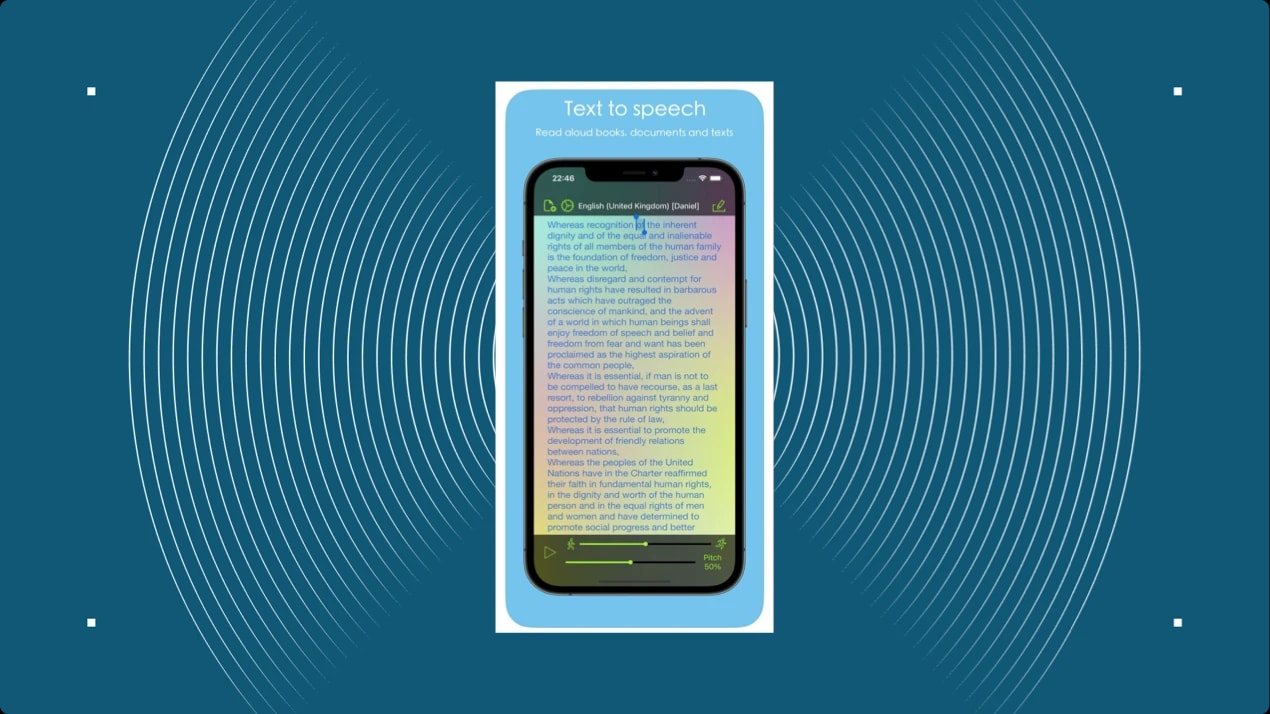
Aloud! is a versatile text-to-speech app that reads various document types aloud, including PDFs, Word documents, ePubs, and more. It supports multiple languages, such as English, Chinese, French, German, and Japanese, making it accessible to a wide range of users. The app allows users to adjust reading speed and pause at any time, providing a customizable listening experience. Additionally, Aloud! saves articles and reading progress, enabling users to resume where they left off.
Voice quality
This iPhone text reader offers natural-sounding voices in various languages, enhancing the listening experience. Users can adjust the speech speed to suit their preferences, ensuring a comfortable listening pace.Ease of use and interface
The app features a simple interface that lets users upload documents, paste text, and start listening immediately. It supports various file formats, including plain text, PDFs, Word documents, ePubs, and more, providing flexibility in content selection.
Pricing and free trial options
Aloud! offers a free version with basic features. For full access to all features, including support for additional file formats and languages, users can upgrade to the premium version.
If you’re looking for a text-to-speech app that actually sounds natural, ElevenReader is a game-changer. Unlike traditional TTS apps that can sound robotic, its AI voices are incredibly realistic and lifelike, making listening a truly immersive experience.
Whether you’re diving into an article, eBook, or PDF, the smooth and engaging voice makes it feel like you’re listening to a real person, not a machine.
For iPhone users, ElevenReader is super easy to use. You can quickly import text from a variety of sources. Just paste it, upload a PDF or ePub, or even scan printed text.
You can also adjust the voice speed and pitch to suit your preferences. Plus, it’s packed with content, so you’ll never run out of things to listen to, whether it’s books, newsletters, or blog posts.
| App | Key Features | Pricing | Voice Quality | Pros | Cons |
|---|---|---|---|---|---|
| ElevenReader | Lifelike AI voices, supports various text formats (articles, PDFs, eBooks), customizable playback (speed, pitch), free access to a library of content. | Free access – premium plans will be introduced further into 2025. | Ultra-realistic, human-like AI voices. High-quality diverse options like Maya Angelou, Deepak Chopra. | Revolutionary AI-driven voices, seamless interface, unlimited access to features. | Limited to app-based content (no cloud sync). |
| NaturalReader | Converts PDFs, Word, eBooks, and more into speech. 200+ AI voices in 50+ languages. Pronunciation editor. | Free version available; premium unlocks advanced features. | Natural-sounding voices with fluid, human-like delivery. | Versatile with multilingual support, customizable voice settings, and flexible file format support. | Premium version required for full voice and document features. |
| Text to Speech! | 178 voices, 63 accents/languages, offline usage, adjustable pitch and rate. | Free version with premium features available. | Varied voice quality, less natural than others. | Wide language and accent options, offline support, straightforward interface. | Voice quality may be less realistic than premium apps. |
| Speak4Me | Converts any text (including PDFs, websites) into speech, supports over 20 languages, adjustable speed, dyslexia-friendly font. | Free version with premium features (from $4.99 weekly). | Natural-sounding voices with male/female options. | Ideal for multitasking, strong accessibility features, user-friendly. | Some users report a limited number of voices in the free version. |
| Aloud! | Reads PDFs, Word docs, ePubs, multiple languages, adjusts speed, saves progress. | Free version with premium upgrade available. | Natural-sounding voices in several languages. | Simple interface, saves reading progress, supports multiple file types. | Premium needed for full features (languages, formats). |
When it comes to text-to-speech apps, the best choice depends on your needs. If voice quality is your priority, ElevenReader stands out with its ultra-realistic, lifelike AI narration, making it the premium choice for iPhone users. It also excels as the best free option, offering unlimited access without a subscription.
For those seeking the most features, NaturalReader provides extensive voice customization and language support.
If offline use is essential, Text to Speech! allows playback without an internet connection. Meanwhile, Speak4Me offers flexible pricing, with plans ranging from weekly to yearly, while Aloud! is ideal for multilingual users with support for multiple document types and languages.
Ultimately, ElevenReader remains the top choice for those who want the most natural listening experience, bringing AI-generated voices closer to real human speech than ever before. Try ElevenReader and see how immersive your listening experience can be with the right tool.
Frankenstein, the first cinematic audiobook created with Eleven v4, is coming just in time for Halloween

How to read Google Docs aloud when the Audio option is missing, with built-in Google tools and ElevenReader.