
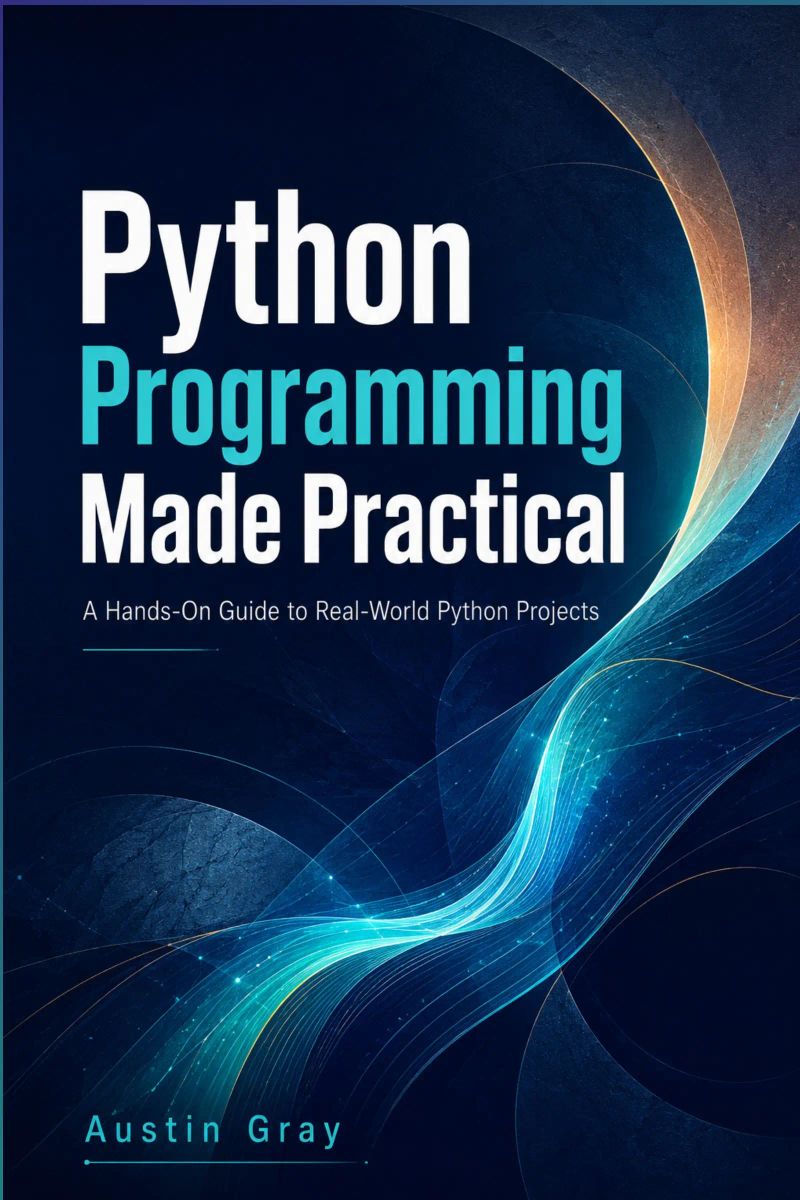
Python Programming Made Practical
A Complete Beginner-to-Advanced Guide to Coding, Problem Solving, Automation, Projects, and Real-World Python DevelopmentBy Austin Gray

Length7h 20m
About this audiobook
# **Book Description**
**Learn Python the practical way and start building real programs with confidence.**
**Python Programming Made Practical** is a beginner-friendly, hands-on guide designed for readers who want to learn Python from the ground up and apply it to real-world tasks. Whether you are a student, self-taught learner, career changer, office professional, or aspiring developer, this book gives you a clear path from basic programming concepts to complete practical projects.
Instead of overwhelming you with unnecessary theory, this book explains Python step by step using simple language, clear examples, and useful exercises. You will learn how to write clean Python code, work with variables and data types, make decisions with conditional statements, use loops, organize data with collections, create reusable functions, handle errors, work with files, build automation scripts, connect to APIs, use databases, and develop complete beginner-level applications.
Each chapter focuses on practical understanding. You will build projects such as a personal profile program, expense calculator, grading system, number guessing game, student records manager, calculator toolkit, safe input program, note-taking app, password generator, file organizer, weather data fetcher, contact management system, and a final personal task manager application.
Inside this book, you will learn how to:
* Set up Python and Visual Studio Code
* Write and run your first Python programs
* Use variables, strings, numbers, booleans, and type conversion
* Control program flow with conditions and loops
* Work with lists, tuples, sets, and dictionaries
* Create reusable functions and organize cleaner code
* Handle errors and debug programs effectively
* Read, write, and manage files
* Automate repetitive computer tasks
* Use modules, packages, and virtual environments
* Work with APIs and JSON data
* Store and manage information with SQLite databases
* Build complete practical Python projects
By the end of **Python Programming Made Practical**, you will have a strong foundation in Python and the confidence to continue into automation, web development, data analysis, software development, or other technology paths.
If you want a clear, practical, project-based introduction to Python programming, this book is a strong place to start.
Audiobook details
Rating★★★★★ 5.0 (1)
GenreTechnology
Length7 hrs 20 mins
Narrated byListen with 1,000+ voices
FormateBook with Audio
LanguageEnglish
Table of contents
1Python Programming Made Practical
2A Complete Beginner-to-Advanced Guide to Coding, Problem Solving, Automation, Projects, and Real-World Python Development
3Introduction: Why Python Is the Best Language to Learn First
4Chapter 1: Getting Started with Python
5Chapter 5: Loops and Repetition
Show all chaptersShow less
6Chapter 8: Error Handling and Debugging
7Chapter 12: Practical Automation with Python
8Introduction: Why Python Is the Best Language to Learn First
9Why Python Remains One of the Most Useful Programming Languages
10What Makes Python Beginner-Friendly
11Real-World Uses of Python
12How This Book Is Structured
13How to Practice Effectively While Reading
14What You Will Be Able to Build by the End of This Book
15Chapter 1: Getting Started with Python
16What Python Is and Why It Matters
17Installing Python on Windows, macOS, and Linux
18Installing Python on Windows
19Installing Python on macOS
20Installing Python on Linux
21Setting Up Visual Studio Code
22Running Your First Python Program
23Understanding the Python Interpreter
24Using the Terminal or Command Prompt
25Checking Your Current Folder
26Changing Folders
27Listing Files
28Running a Python File
29Common Beginner Setup Mistakes
30Mistake 1: Python Is Installed but Not Added to PATH
31Mistake 2: Using the Wrong Python Command
32Mistake 3: Saving the File with the Wrong Extension
33Mistake 4: Running the Command from the Wrong Folder
34Mistake 5: Confusing VS Code with Python
35Mistake 6: Ignoring Error Messages
36Practice Project: Create a Simple Welcome Program
37Improving the Welcome Program
38Understanding Statements and Expressions
39Writing Clean Python Code
40Comments and Documentation
41Variables and Naming Rules
42Indentation and Code Blocks
43Basic Input and Output
44Using print() and input()
45Practice Project: Build a Simple Personal Profile Program
46Chapter 3: Working with Data Types
47Strings
48Integers and Floats
49Booleans
50Type Conversion

Never Lost AgainBill Kilday10h 1m4.4 (805)$29 · $0.00

How the Internet HappenedBrian McCullough13h 28m4.3 (2.7K)$23 · $0.00

Collected Writings of Nikola TeslaNikola Tesla, Thomas Commerford Martin21h 50m4.3 (1.7K)$1 · $0.00

Just AspireAjai Chowdhry9h 13m4.4 (260)$29 · $0.00

The Little Book of AliensAdam Frank8h 20m4.3 (1.3K)$26 · $0.00

The inventions, researches and writings of Nikola Tesla (Annotated)Thomas Commerford Martin16h 59m4.3 (1.3K)$2 · $0.00

KargilV.P. Malik15h 18m4.3 (2K)$24 · $0.00

Experiments with Alternating CurrentsNikola Tesla9h 16m4.3 (874)$0.99 · $0.00

Fire on the HorizonTom Shroder, John Konrad8h 23m4.3 (858)$26 · $0.00

The Smell of Kerosene (Annotated)National Aeronautics and Space Administration, Donald L. Mallick, Peter W. Merlin11h 32m4.3 (523)$2 · $0.00

The Boy Who Harnessed the WindWilliam Kamkwamba, Bryan Mealer10h 5m4.2 (78.9K)$29 · $0.00

Across the Airless WildsEarl Swift10h 8m4.3 (1.3K)$29 · $0.00

Console WarsBlake J. Harris20h 41m4.2 (13.7K)$46 · $0.00
Improvised Munitions HandbookU.S. Department of Defense4h 49m4.3 (1.6K)$1.99 · $0.00
Escaping GravityLori Garver10h 54m4.2 (2.2K)$20 · $0.00

Wireless WarsJonathan Pelson8h 2m4.3 (419)$20 · $0.00

Let There Be WaterSeth M. Siegel8h 36m4.2 (2.3K)$20 · $0.00
The PerfectionistsSimon Winchester11h 46m4.2 (9.9K)$29 · $0.00
Rethinking NarcissismDr. Craig Malkin6h 7m4.2 (3.4K)$24 · $0.00

Project Animal FarmSonia Faruqi11h 23m4.3 (563)$20 · $0.00
You may also like
Making SenseSam Harris22h 27m4.1 (3K)$46 · $0.00
WTF?Tim O'Reilly16h 15m4.2 (2.6K)$33 · $0.00
AI ValleyGary Rivlin11h 18m4.1 (452)$29 · $0.00
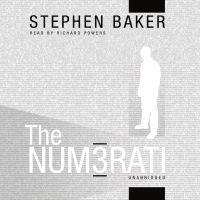
The NumeratiStephen Baker7h 55m3.6 (2K)$17 · $0.00
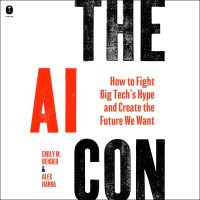
The AI ConEmily M. Bender, Alex Hanna7h 51m3.7 (1.7K)$26 · $0.00

The Highway Code UKDepartment for Transport3h 33m4.2 (36.6K)$11 · $0.00
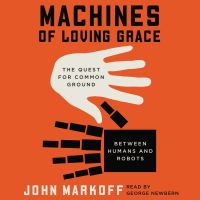
Machines of Loving GraceJohn Markoff11h 53m3.8 (1.4K)$29 · $0.00
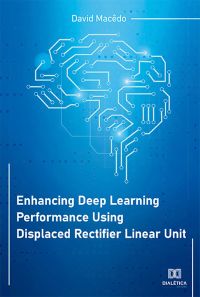
Enhancing Deep Learning Performance Using Displaced Rectifier Linear UnitDavid Macêdo1h 49m$10 · $0.00
How To Code For Quantum ComputersNivio Dos Santos2h 19m5.0 (1)$46 · $0.00
ScaleBradley J Sugars3h 27m4.6 (52)Free

Smarter Games with AICurtis Whitlock7h 25m$5 · $0.00

Social Media And Online BusinessEdivaldo Ascaneo1h 25m$6 · $0.00
Brazilian Portuguese for Beginners: The Complete A1 Audio CourseMichele Cavalcante12h 5m$32 · $0.00

Quick Brazilian PortugueseJack Scholes22m$1 · $0.00

Englisch lernen Audio - Die ZeitformenSpotlight Verlag1h 2m4.4 (14)$17
Business-Englisch lernen Audio - Strategisch handelnSpotlight Verlag1h 12m$19
The Reverse Centaur's Guide to ThinkingKyle Patterson2h 37m$14 · $0.00
Leads MachineFrancis Rodino6h 30m4.9 (39)$27 · $0.00
Passages from the Life of a Philosopher (Annotated)Charles Babbage16h 33m4.4 (110)$1.99 · $0.00
The Nightlight with Melvin VallomparambilChristopher Glyn36m$4 · $0.00