
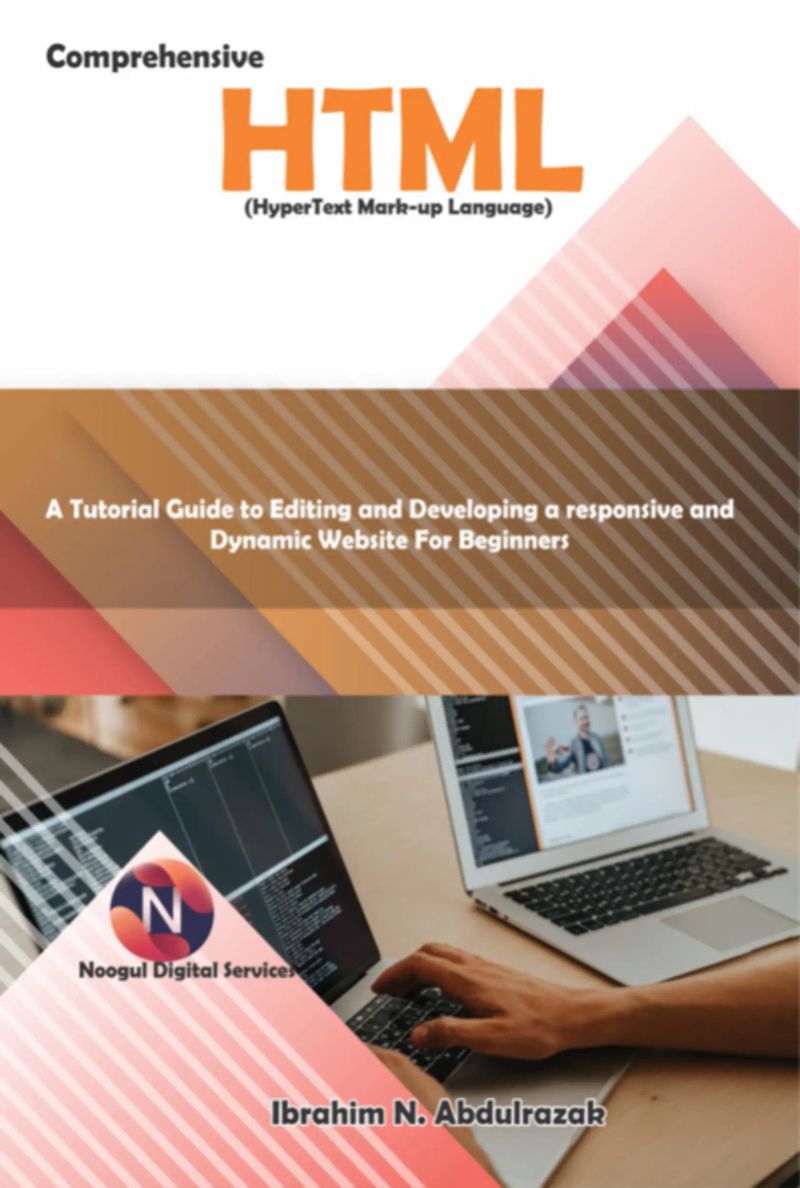
Comprehensive Hypertext Markup Language (html).
De Ibrahim Nugwa Abdulrazak


Duração4h 25m
Sobre este audiolivro
This course is intended for aspiring web designers and developers who need to comprehend HTML thoroughly as well as its straightforward overview and useful examples. You ll have all the tools you need from this course to get started using HTML and advance to a greater degree of proficiency. This book, written in the author s approachable and simple-to-read style, covers all the most recent innovations and advancements in responsive web design, such as strategies for greater accessibility, changeable fonts and font loading, and the most recent color manipulation features reaching browsers.
Detalhes do audiolivro
GêneroTechnology
Duração4 h 25 min
Narrado porOuça com mais de 1.000 vozes
FormatoeBook com áudio
Data de publicação23 de jan. de 2025
IdiomaPortuguês
Sumário
1COMPREHENSIVE HTML
2SECTION 1
3INTRODUCTION TO HYPERTEXT MARKUP LANGUAGE: HTML History
4HTML Multimedia
5Web Browsers
Mostrar todos os capítulosVer menos
6Step 1: Open Notepad
7Step 3: Save the HTML Page
8Step 4: View HTML Page in Your Browser
9HTML Headings
10Headings Are Important
11Only use HTML headers as headings. Avoid using headers to enlarge or bold text.
12Search engines index the structure and content of your web pages using the headers.
13The primary headings, or h1, should come first, then h2 headings, h3 headings, and so on.
14HTML Paragraphs
15HTML Links
16HTML Images
17Nested HTML Elements
18HTML Example Explained
19Don't Forget the End Tag
20Empty HTML Elements
21HTML Tip: Use Lowercase Tags
22The lang Attribute
23The title Attribute
24The href Attribute
25Size Attributes
26The alt Attribute
27Using Lowercase Attributes
28Quoting Attribute Values
29Single or Double Quotes?
30HTML Horizontal Rules
31The HTML <head> Element
32The HTML <title> Element
33The HTML <meta> Element
34More Meta Elements
352.0 HTML DISPLAY
36HTML Line Breaks
37The HTML <pre> Element
38HTML Styling
39The HTML Style Attribute
40HTML Text Color
41HTML Fonts
42HTML Text Size
43HTML Text Alignment
44HTML Formatting Elements
45HTML Bold and Strong Formatting
46HTML Italic and Emphasized Formatting
47HTML Small Formatting
48HTML Marked Formatting
49HTML Inserted Formatting
50HTML Subscript Formatting
Mais de Ibrahim Nugwa Abdulrazak

Cannabinoid Abuse And Misuse:Ibrahim Nugwa Abdulrazak1h 27min$12 · $0.00

Substance Abuse And Substance Use Disorders.Ibrahim Nugwa Abdulrazak9h 45min$18 · $0.00
Javascript. A Comprehensive Manual For Creating Dynamic, Responsive Websites And ApplicationsIbrahim Nugwa Abdulrazak8h$16 · $0.00

Educating Exceptional Needs Youngsters.Ibrahim Nugwa Abdulrazak5h 31min$15 · $0.00


Você também pode gostar

Além do bem e do mal (Traduzido)Friedrich Wilhelm Nietzsche7h 4min4.2 (131K)$2.90 · $0.00

LivrosCarlos Araujo Carujo3h 8min$6 · $0.00

DemocraciaMarcel Franco Lopes34min$8 · $0.00

A importância e necessidade da formação dos professores com qualidade para o Ensino Fundamental e MédioRenata Picoli1h 39min$13 · $0.00

Etnomatemática em movimentoGelsa Knijnik, Fernanda Wanderer, Ieda Maria Giongo, Claudia Glavam Duarte3h 46min4.8 (12)$8 · $0.00

O Conceito De Escola Na Longa DuraçãoMarcel Franco Lopes31min$9 · $0.00

A Questão Dialética & A Questão Do PoderJoão Ribeiro De A. Borba6h 48min$7 · $0.00

O Direito ao Benefício da Depreciação Integral Rural na Aquisição de Equipamentos Agrícolas e nos Gastos com Formação de Lavoura Canavieira pelas Agroindústrias SucroalcooleirasGilsom Machado Bento4h 50min$13 · $0.00

Argumentos VeganosLeonardo Henrique Machado7h 22min$7 · $0.00

Efeitos Pecuniários do Mandado de SegurançaMário Henrique de Barros Dorna9h 10min$21 · $0.00

Filosofia Do DireitoGilson Azevedo (org)7h 10min4.8 (12)$6 · $0.00

Estudo das Três Dimensões do Problema Didático de Sistemas de Equações LinearesRennê Garcia Paiva4h 32min$13 · $0.00

Linux Power - Dominando O SistemaRodrigo Montini2h 6min$7 · $0.00

A epidítica como fundamento retórico e educacional na nova retórica de Chaïm PerelmanArtur Eduardo4h 49min$7 · $0.00

Ciência Administrativa No Século XxiManoel Martins Jr4h 16min$5 · $0.00

As Vicissitudes da DialéticaJosé Lourenço Cindra10h 50min$15 · $0.00

Serious Game Tema: Revolução AmericanaVitor Amadeu Souza43min$7 · $0.00

Entre Democracia E DireitoNeto, Manoel De C. Carneiro; Nascimento, F.eliandro; Monteiro Júnior, Francisco H. (orgs.)21min$6 · $0.00

Educação Linguística em Língua Inglesa, em cenaLindomar Cavalcante de Lacerda Lima5h 25min$29 · $0.00

Go Fast !!João Carlos Moreno3h 40min$6 · $0.00