
Só áudio
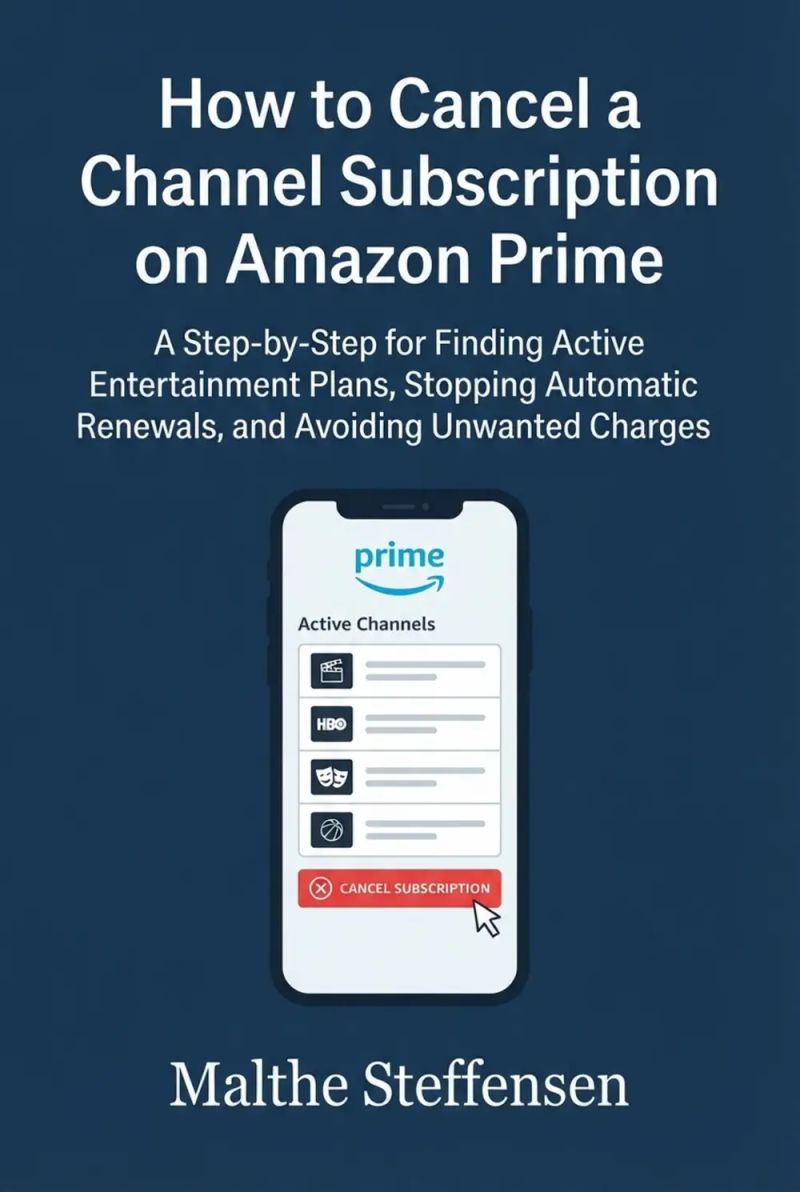
How to Cancel a Channel Subscription on Amazon Prime
A Step-by-Step for Finding Active Entertainment Plans, Stopping Automatic Renewals, and Avoiding Unwanted ChargesDe Malthe Steffensen


Duração1h 39m
Sobre este audiolivro
Amazon Prime Video offers subscribers access to a wide variety of movies, television shows, documentaries, and exclusive entertainment. Beyond the standard Prime Video library, users can also subscribe to additional entertainment services known as Prime Video Channels. These channels provide access to specialized content from different networks and streaming providers, allowing viewers to enjoy more entertainment through a single Amazon account. However, not every subscription remains useful forever. You may have subscribed to a channel to watch a particular series, explore a new streaming service, or enjoy a free trial, only to discover that you no longer need it. When this happens, knowing how to cancel a channel subscription on Amazon Prime can help you avoid unnecessary expenses and keep your entertainment budget under control.
Although Amazon provides options for managing subscriptions, finding the correct settings can sometimes be confusing, especially for users who are unfamiliar with the Prime Video account interface. Channel subscriptions may have separate billing arrangements from a regular Amazon Prime membership, meaning that cancelling your Prime membership does not necessarily cancel every additional channel subscription. Similarly, deleting the Prime Video application from your television, phone, or computer will not automatically stop recurring payments. To prevent unwanted charges, you must locate the active subscription and follow the appropriate cancellation procedure.
This guide, How to Cancel a Channel Subscription on Amazon Prime, is designed to make the entire process simple, practical, and easy to understand. Whether you are using a desktop computer, smartphone, tablet, or another compatible device, you will learn how to identify your active entertainment plans and manage them through the appropriate Amazon account settings.
You will discover how Amazon Prime Video Channels work, how to find subscriptions connected to your account, and how to identify upcoming renewal dates. You will also learn the steps involved in cancelling an individual channel subscription, confirming that the cancellation has been processed, and understanding what happens to your remaining access after cancellation.
In addition, this guide explains how to manage automatic renewals, avoid unexpected subscription charges, and keep track of free trials before they become paid memberships. Understanding these details is particularly important because some promotional subscriptions automatically convert into recurring paid plans when their trial periods end. Taking a few minutes to review your subscription settings can help prevent unnecessary payments.
If you experience difficulties during cancellation, you will also learn practical troubleshooting methods, where to find relevant billing information, and how to approach Amazon customer support when you need assistance. The guide also introduces important considerations regarding refunds, payment methods, and subscription management.
By the end of this book, you should have a clearer understanding of how to manage your Prime Video Channels confidently and independently. You do not need advanced technical knowledge or special equipment to follow the instructions. All you need is access to your Amazon account and a few minutes to review your subscription settings.
Remember, managing subscriptions is an important part of maintaining control over your digital spending. With the right information and a simple step-by-step approach, you can cancel channels you no longer use, prevent unwanted automatic renewals, and enjoy greater confidence when managing your Amazon Prime Video entertainment services.
Detalhes do audiolivro
GêneroBusiness and Economics
Duração1 h 39 min
Narrado porOuça com mais de 1.000 vozes
FormatoeBook com áudio
Data de publicação25 de nov. de 2026
IdiomaInglês
Never Split the DifferenceChris Voss, Tahl Raz8h 7min4.4 (277.7K)$26 · $0.00

The Intelligent Investor Rev Ed.Benjamin Graham17h 48min4.3 (191.5K)$40 · $0.00
The Hard Thing About Hard ThingsBen Horowitz7h 57min4.2 (134.3K)$26 · $0.00
Boundaries for LeadersHenry Cloud7h 36min4.3 (3.6K)$26 · $0.00
Good to GreatJim Collins9h 59min4.1 (325.2K)$29 · $0.00
The Way of ExcellenceBrad Stulberg6h 46min4.2 (1.1K)$24 · $0.00
Trillion Dollar CoachEric Schmidt, Jonathan Rosenberg, Alan Eagle5h 40min4.1 (22.2K)$24 · $0.00

Be ExceptionalJoe Navarro, Toni Sciarra Poynter9h 11min4.0 (1.3K)$29 · $0.00
The Power of the OtherHenry Cloud5h 52min4.2 (3.5K)$24 · $0.00
Level UpRob Dial7h 42min4.6 (3.3K)$26 · $0.00

Eat It!Jordan Syatt, Michael Vacanti4h 40min4.6 (1.5K)$20 · $0.00

Progress and Poverty, Volumes I and II (Annotated)Henry George19h 21min4.6 (574)$1.99 · $0.00

Not Everything Counts but Everything Matters: The powerful and inspirational new book about leadership and achieving success from the visionary multi-premiership winning Panthers coachIvan Cleary6h 1min4.6 (680)$24 · $0.00

BuildTony Fadell11h 5min4.5 (14.3K)$8 · $0.00

The Joys Of CompoundingGautam Baid17h 34min4.5 (2.5K)$18 · $0.00
Basic EconomicsThomas Sowell18h 32min4.5 (29.3K)$28 · $0.00

The Ambuja StoryNarotam Sekhsaria13h 59min4.5 (830)$33 · $0.00

The Secret Door to SuccessFlorence Scovel Shinn2h 25min4.5 (2.1K)$1.20 · $0.00

This Is Going to HurtAdam Kay5h 47min4.4 (444.7K)$24 · $0.00

Big TrustShadé Zahrai, Fayçal Sekkouah8h 36min4.6 (406)$26 · $0.00
Você também pode gostar

Spooky Action at a DistanceGeorge Musser8h 37min3.9 (1.7K)$20

WHY DO CLOCKS RUN CLOCKWISEDavid Feldman58min3.8 (2.3K)$11 · $0.00

The Origin of VertebratesWalter Holbrook Gaskell21h 35min$1 · $0.00

Hormones and HeredityJ. T. Cunningham3h 56min$2 · $0.00
Keyword research Third EditionGerardus Blokdyk1h 54min$42

How to Make Money Flipping Sneakers - A Guide to Sourcing, Authentication, Pricing, and Profitable ResellingJACK FLIPWELL4h 29min4.5 (58)$7.50

Electric Bells and All About Them: A Practical Book for Practical MenSelimo Romeo Bottone2h 42min4.3 (11)$2 · $0.00

Gout, with a section on ocular disease in the goutyLlewellyn J. Llewellyn20h 5min$2 · $0.00

Discounted Cash Flow DemystifiedLuna Z. Rainstorm8h 4min$6.40 · $0.00

The Money Pit, Vol. 4Tom Kraeutler, Leslie Segrete9h 42min$20
Primes to One TrillionVarious11min4.3 (23)$1 · $0.00

Another One Bites the DustBill Brown Jr.22min$2

How to Make Money Flipping Used Cars - A Beginner's Guide to Finding Deals, Estimating Costs, and Selling Safely for ProfitJACK FLIPWELL4h 24min4.7 (12)$7.50

Discounted Cash Flow BudgetingEvan J. Patel8h 20min$6.40 · $0.00
How to Make Money Flipping Used Books - How to Identify Valuable Editions, Assess Condition, Build Profitable Lots, and Sell to the Right ReadersJACK FLIPWELL8h 19min$7.50
How to Make Money Flipping Cameras and Lenses - A Practical Guide to Evaluating Shutter Counts, Optics, Compatibility, and Resale ValueJACK FLIPWELL8h 38min$7.50
Information Please, Vol. 1Black Eye Entertainment7h 41min$20

The Money Pit, Vol. 2Tom Kraeutler, Leslie Segrete9h 42min$20

How to Make Money Flipping Ski and Snowboard Equipment - How to Evaluate Skis, Boards, Bindings, and Boots, Prepare Them Properly, and Sell in SeasonJACK FLIPWELL2h 26min$7.50
Storage Architecture Third EditionGerardus Blokdyk4h 9min$71