
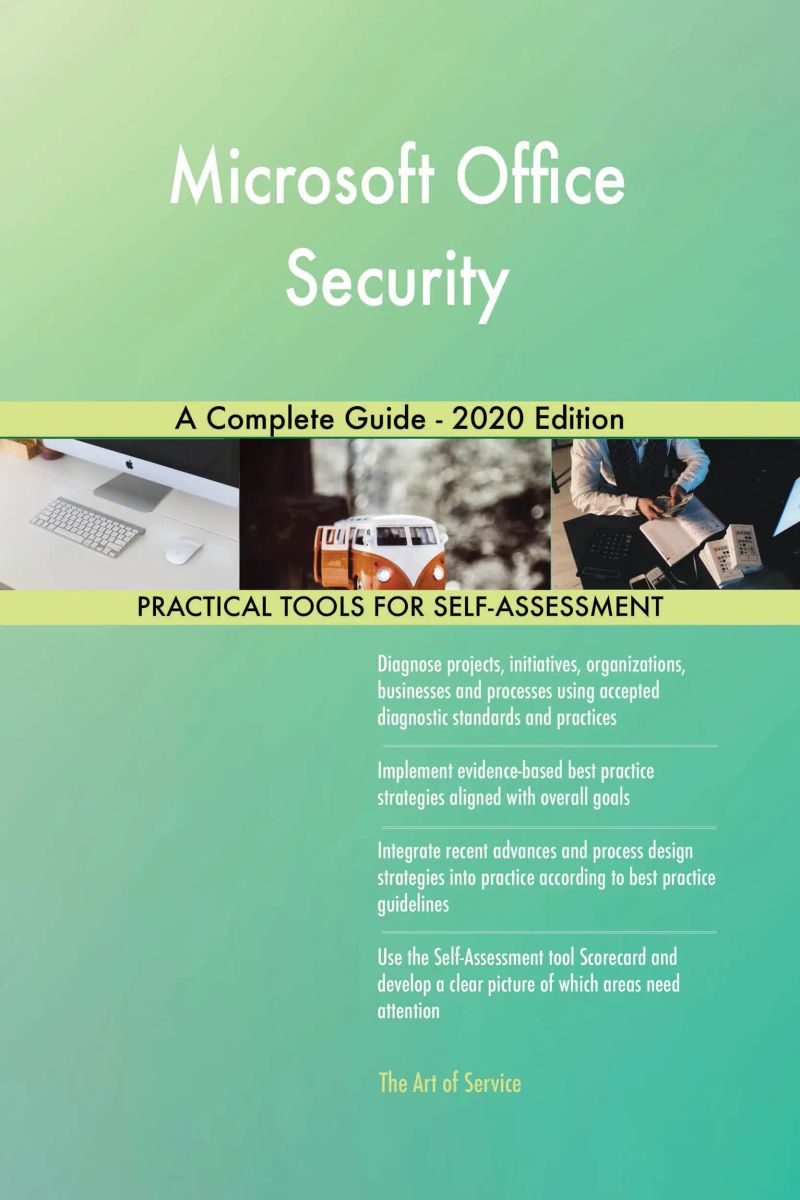
Microsoft Office Security A Complete Guide - 2020 Edition
De Gerardus Blokdyk


Duração4h 33m
Sobre este audiolivro
How do you verify and validate the Microsoft Office security data? What strategies for Microsoft Office security improvement are successful? What is the scope of Microsoft Office security? Who sets the Microsoft Office security standards? What are the costs of delaying Microsoft Office security action?
Defining, designing, creating, and implementing a process to solve a challenge or meet an objective is the most valuable role… In EVERY group, company, organization and department.
Unless you are talking a one-time, single-use project, there should be a process. Whether that process is managed and implemented by humans, AI, or a combination of the two, it needs to be designed by someone with a complex enough perspective to ask the right questions. Someone capable of asking the right questions and step back and say, 'What are we really trying to accomplish here? And is there a different way to look at it?'
This Self-Assessment empowers people to do just that - whether their title is entrepreneur, manager, consultant, (Vice-)President, CxO etc... - they are the people who rule the future. They are the person who asks the right questions to make Microsoft Office Security investments work better.
This Microsoft Office Security All-Inclusive Self-Assessment enables You to be that person.
All the tools you need to an in-depth Microsoft Office Security Self-Assessment. Featuring 914 new and updated case-based questions, organized into seven core areas of process design, this Self-Assessment will help you identify areas in which Microsoft Office Security improvements can be made.
In using the questions you will be better able to:
- diagnose Microsoft Office Security projects, initiatives, organizations, businesses and processes using accepted diagnostic standards and practices
- implement evidence-based best practice strategies aligned with overall goals
- integrate recent advances in Microsoft Office Security and process design strategies into practice according to best practice guidelines
Using a Self-Assessment tool known as the Microsoft Office Security Scorecard, you will develop a clear picture of which Microsoft Office Security areas need attention.
Your purchase includes access details to the Microsoft Office Security self-assessment dashboard download which gives you your dynamically prioritized projects-ready tool and shows your organization exactly what to do next. You will receive the following contents with New and Updated specific criteria:
- The latest quick edition of the book in PDF
- The latest complete edition of the book in PDF, which criteria correspond to the criteria in...
- The Self-Assessment Excel Dashboard
- Example pre-filled Self-Assessment Excel Dashboard to get familiar with results generation
- In-depth and specific Microsoft Office Security Checklists
- Project management checklists and templates to assist with implementation
INCLUDES LIFETIME SELF ASSESSMENT UPDATES
Every self assessment comes with Lifetime Updates and Lifetime Free Updated Books. Lifetime Updates is an industry-first feature which allows you to receive verified self assessment updates, ensuring you always have the most accurate information at your fingertips.
Detalhes do audiolivro
GêneroBusiness and Economics
Duração4 h 33 min
Narrado porOuça com mais de 1.000 vozes
FormatoeBook com áudio
Data de publicação19 de set. de 2019
IdiomaInglês
Sumário
1About The Art of Service
2Included Resources - how to access
3Purpose of this Self-Assessment
4How to use the Self-Assessment
5Microsoft Office SecurityScorecard Example
Mostrar todos os capítulosVer menos
6Microsoft Office SecurityScorecard
7BEGINNING OF THE SELF-ASSESSMENT:
8CRITERION #1: RECOGNIZE
9CRITERION #2: DEFINE:
10CRITERION #3: MEASURE:
11CRITERION #4: ANALYZE:
12CRITERION #5: IMPROVE:
13CRITERION #6: CONTROL:
14CRITERION #7: SUSTAIN:
15Microsoft Office Security and Managing Projects, Criteria for Project Managers:
161.0 Initiating Process Group: Microsoft Office Security
171.1 Project Charter: Microsoft Office Security
181.2 Stakeholder Register: Microsoft Office Security
191.3 Stakeholder Analysis Matrix: Microsoft Office Security
202.0 Planning Process Group: Microsoft Office Security
212.1 Project Management Plan: Microsoft Office Security
222.2 Scope Management Plan: Microsoft Office Security
232.3 Requirements Management Plan: Microsoft Office Security
242.4 Requirements Documentation: Microsoft Office Security
252.5 Requirements Traceability Matrix: Microsoft Office Security
262.6 Project Scope Statement: Microsoft Office Security
272.7 Assumption and Constraint Log: Microsoft Office Security
282.8 Work Breakdown Structure: Microsoft Office Security
292.9 WBS Dictionary: Microsoft Office Security
302.10 Schedule Management Plan: Microsoft Office Security
312.11 Activity List: Microsoft Office Security
322.12 Activity Attributes: Microsoft Office Security
332.13 Milestone List: Microsoft Office Security
342.14 Network Diagram: Microsoft Office Security
352.15 Activity Resource Requirements: Microsoft Office Security
362.16 Resource Breakdown Structure: Microsoft Office Security
372.17 Activity Duration Estimates: Microsoft Office Security
382.18 Duration Estimating Worksheet: Microsoft Office Security
392.19 Project Schedule: Microsoft Office Security
402.20 Cost Management Plan: Microsoft Office Security
412.21 Activity Cost Estimates: Microsoft Office Security
422.22 Cost Estimating Worksheet: Microsoft Office Security
432.23 Cost Baseline: Microsoft Office Security
442.24 Quality Management Plan: Microsoft Office Security
452.25 Quality Metrics: Microsoft Office Security
462.26 Process Improvement Plan: Microsoft Office Security
472.27 Responsibility Assignment Matrix: Microsoft Office Security
482.28 Roles and Responsibilities: Microsoft Office Security
492.29 Human Resource Management Plan: Microsoft Office Security
502.30 Communications Management Plan: Microsoft Office Security
Distribution Channels A Complete Guide - 2019 EditionGerardus Blokdyk4h 43min$71
Production Equipment Control A Complete Guide - 2020 EditionGerardus Blokdyk4h 43min$78
Duty of care Second EditionGerardus Blokdyk4h 2min$42
Physical information security A Complete Guide - 2019 EditionGerardus Blokdyk4h 48min$71
Cloud Enablement A Complete Guide - 2020 EditionGerardus Blokdyk4h 36min$78
Case analysis A Complete Guide - 2019 EditionGerardus Blokdyk4h 41min$71
Transformational Initiatives A Complete Guide - 2019 EditionGerardus Blokdyk4h 39min$71
Strategic Partnerships A Complete Guide - 2019 EditionGerardus Blokdyk4h 32min$71
Interpersonal Skills A Complete Guide - 2019 EditionGerardus Blokdyk4h 28min$71
Service Product Manager A Complete Guide - 2019 EditionGerardus Blokdyk4h 38min$71
Exoskeleton Third EditionGerardus Blokdyk4h 3min$71
Vulnerability Scanning A Complete Guide - 2020 EditionGerardus Blokdyk4h 39min$71
HCM Transformation A Complete Guide - 2019 EditionGerardus Blokdyk4h 28min$71
Encrypt Data A Complete Guide - 2024 EditionGerardus Blokdyk4h 5min$78
Automatic identification system A Clear and Concise ReferenceGerardus Blokdyk4h 15min$71
Digital Strategies Complete Self-Assessment GuideGerardus Blokdyk4h 7min$71
Sustainable event management A Clear and Concise ReferenceGerardus Blokdyk4h 9min$42
Enterprise information system Third EditionGerardus Blokdyk3h 15min$42
Ruby Development A Complete GuideGerardus Blokdyk1h 55min$42
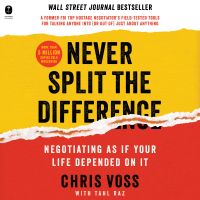
Never Split the DifferenceChris Voss, Tahl Raz8h 7min4.4 (277.7K)$26 · $0.00
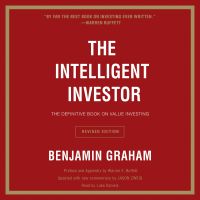
The Intelligent Investor Rev Ed.Benjamin Graham17h 48min4.3 (191.5K)$40 · $0.00
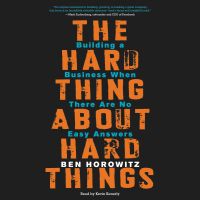
The Hard Thing About Hard ThingsBen Horowitz7h 57min4.2 (134.3K)$26 · $0.00
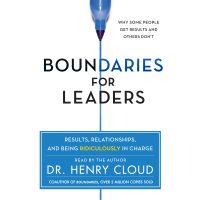
Boundaries for LeadersHenry Cloud7h 36min4.3 (3.6K)$26 · $0.00
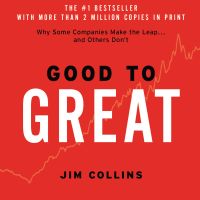
Good to GreatJim Collins9h 59min4.1 (325.2K)$29 · $0.00
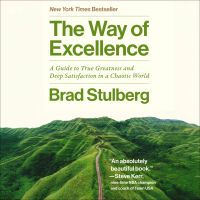
The Way of ExcellenceBrad Stulberg6h 46min4.2 (1.1K)$24 · $0.00

Trillion Dollar CoachEric Schmidt, Jonathan Rosenberg, Alan Eagle5h 40min4.1 (22.2K)$24 · $0.00
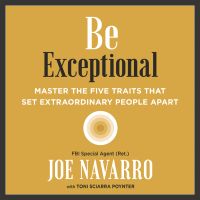
Be ExceptionalJoe Navarro, Toni Sciarra Poynter9h 11min4.0 (1.3K)$29 · $0.00
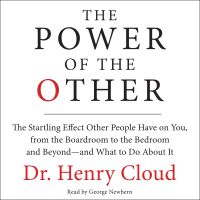
The Power of the OtherHenry Cloud5h 52min4.2 (3.5K)$24 · $0.00
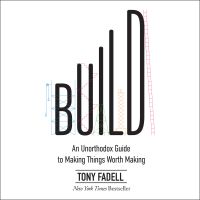
BuildTony Fadell11h 5min4.5 (14.3K)$8 · $0.00
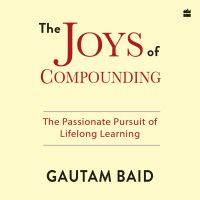
The Joys Of CompoundingGautam Baid17h 34min4.5 (2.5K)$18 · $0.00
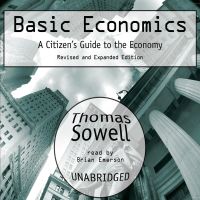
Basic EconomicsThomas Sowell18h 32min4.5 (29.3K)$28 · $0.00

The Ambuja StoryNarotam Sekhsaria13h 59min4.5 (830)$33 · $0.00

The Secret Door to SuccessFlorence Scovel Shinn2h 25min4.5 (2.1K)$1.20 · $0.00

This Is Going to HurtAdam Kay5h 47min4.4 (444.7K)$24 · $0.00

Big TrustShadé Zahrai, Fayçal Sekkouah8h 36min4.6 (406)$26 · $0.00
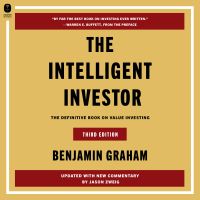
The Intelligent Investor Third EditionBenjamin Graham, Jason Zweig20h4.4 (156.6K)$46 · $0.00

Bottle of LiesKatherine Eban14h 25min4.4 (12K)$33 · $0.00

The Antiracist Business BookTrudi Lebrón6h 10min4.6 (275)$17 · $0.00

The FormulaJoshua Robinson, Jonathan Clegg10h 41min4.4 (6.9K)$29 · $0.00
Você também pode gostar
Payment card industry A Complete Guide - 2019 EditionGerardus Blokdyk4h 43min$71
AI Was Supposed to Save Me Time, but Now I Have More Work - How to Automate Without Automatically Adding More to Your PlateMax Paradox7h 16min$7.50
Apache NiFi A Complete Guide - 2021 EditionGerardus Blokdyk4h 29min$78
Strategic Support Force A Complete Guide - 2020 EditionGerardus Blokdyk4h 37min$78
Service-Level Agreement SLA Standard RequirementsGerardus Blokdyk4h 16min$71
Communications Service Providers as Cloud Services Brokerages Complete Self-Assessment GuideGerardus Blokdyk4h 35min$42
Reducing Risk A Complete Guide - 2024 EditionGerardus Blokdyk4h 26min$78
Risk Benefit Analysis A Complete Guide - 2020 EditionGerardus Blokdyk4h 34min$78
Backtesting Complete Self-Assessment GuideGerardus Blokdyk4h 6min$71
AI ML in Network Automation The Ultimate Step-By-Step GuideGerardus Blokdyk4h 16min$71
BCM and IT DR A Complete Guide - 2019 EditionGerardus Blokdyk4h 54min$71
Customer Retention Strategies A Complete Guide - 2019 EditionGerardus Blokdyk4h 39min$71
Automated Management A Complete Guide - 2020 EditionGerardus Blokdyk4h 29min$71
Process Safety Management A Complete Guide - 2020 EditionGerardus Blokdyk4h 38min$78
SalesLoft A Complete GuideGerardus Blokdyk4h 1min$42
Business risks Complete Self-Assessment GuideGerardus Blokdyk1h 56min$42
Language Processing Third EditionGerardus Blokdyk4h 12min$71
Third Party Logistics A Complete Guide - 2021 EditionGerardus Blokdyk4h 39min$78
OSPF A Clear and Concise ReferenceGerardus Blokdyk1h 52min$42
OpenPOWER Complete Self-Assessment GuideGerardus Blokdyk4h 2min$71